
Table of Contents
Static vs. Dynamic IP Address Difference?
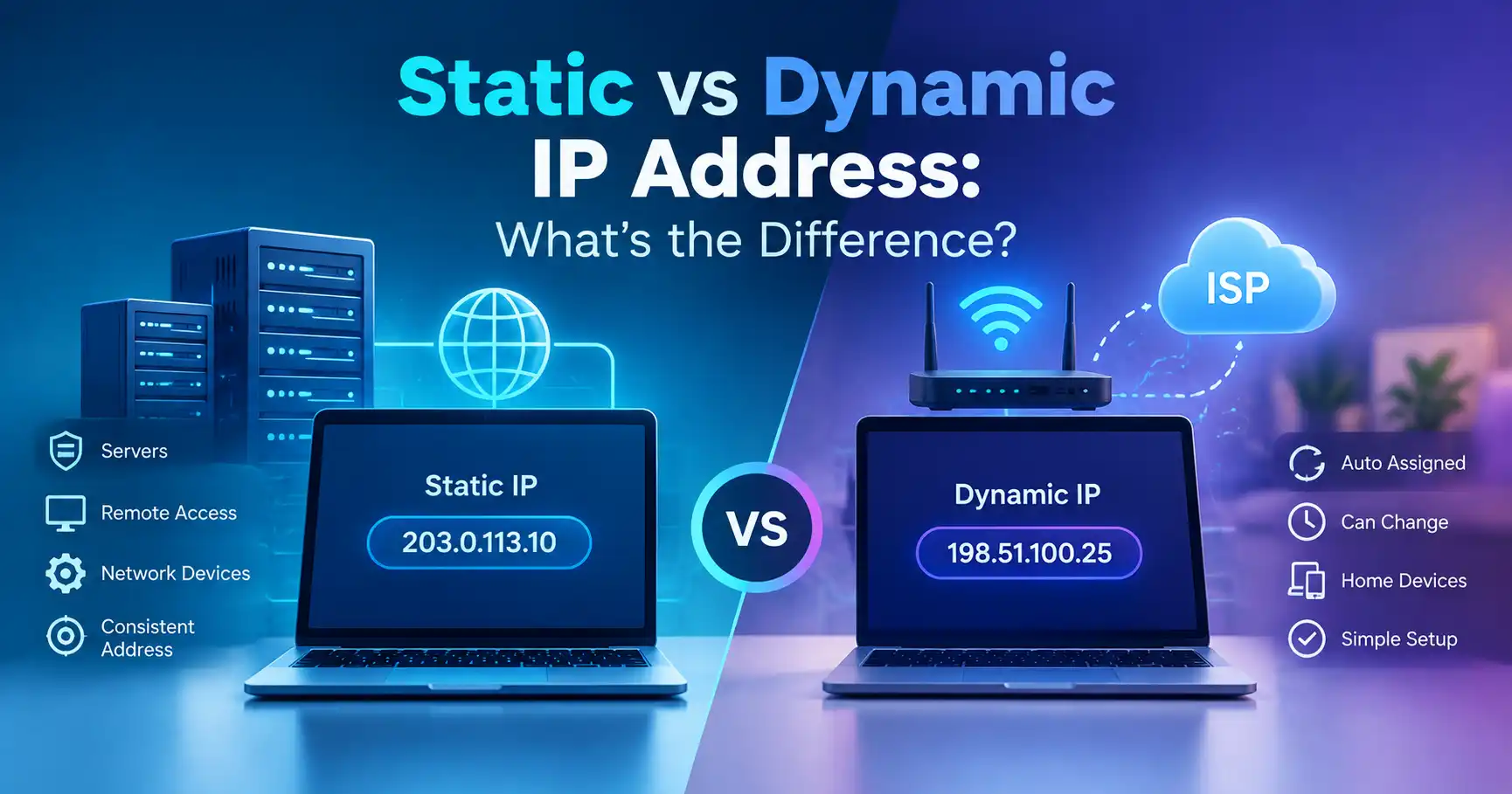
A static IP address stays assigned to a device or network endpoint until it is deliberately changed, while a dynamic IP address is assigned automatically and can change over time. Dynamic addressing commonly uses DHCP, which assigns an address for a defined lease period rather than requiring every device to be configured manually.
The difference matters because the type of IP address you use can affect network administration, remote access, hosting, device configuration, and troubleshooting.
Static vs Dynamic IP Address at a Glance
| Feature | Static IP Address | Dynamic IP Address |
|---|---|---|
| Address assignment | Manually configured or reserved | Usually assigned automatically |
| Can change? | Generally stays the same | Can change over time |
| Common management | Manual configuration or reservation | DHCP |
| Configuration effort | Higher | Lower |
| Useful for | Servers, remote access, managed services | Phones, laptops, home devices, everyday connections |
| Network administration | More predictable | Easier to automate |
| Typical home-device use | Less common | Very common |
The important point is that static and dynamic describe how an IP address is assigned and maintained. They do not, by themselves, determine whether an address is public or private.
What Is a Static IP Address?
A static IP address is an address that is intentionally kept consistent rather than being freely reassigned through ordinary dynamic address allocation.
For example, a network administrator might configure a server with a particular IP address so other devices can reliably connect to it using the same address.
Static addressing can be useful when a device needs a predictable network address.
Common examples include:
- Web or application servers
- Network infrastructure
- Certain security or monitoring systems
- Remote-access services
- Devices that other systems need to reach consistently
- Business network equipment
A static address does not necessarily mean the address is public. A device on a private network can also have a static private IP address.
What Is a Dynamic IP Address?
A dynamic IP address is assigned automatically through a network's address-management system, commonly DHCP.
DHCP allows a client to obtain an IP configuration for a lease period. The address may be renewed, and the same address may sometimes be assigned again. Dynamic does not mean the address must change every few minutes or every time you connect.
For example, your laptop might receive a private address such as 192.168.1.25 from your router. The router manages the local address assignment rather than requiring you to configure the address manually.
Dynamic addressing is convenient because devices can join and leave a network without an administrator manually assigning an address to every device.
Static vs Dynamic IP: What Is the Main Difference?
The main difference is predictability.
A static IP is intended to remain consistent. A dynamic IP is managed automatically and may be reassigned.
Consider a small office with several computers, phones, and printers. Manually configuring every device would create unnecessary administrative work. DHCP can assign addresses automatically as devices join the network.
Now consider a server that another system must contact at a known address. A predictable address can make configuration and administration easier.
This is why static addressing is often associated with infrastructure, while dynamic addressing is common for ordinary client devices.
How Does DHCP Assign a Dynamic IP Address?
DHCP provides a mechanism for automatically assigning network addresses and other configuration information to clients.
In a typical network, the basic process works roughly like this:
- A device connects to the network.
- The device requests network configuration.
- A DHCP server offers an available IP address.
- The device accepts the configuration.
- The address is assigned for a lease period.
- The device can renew the lease when appropriate.
The exact behavior depends on the network configuration, DHCP server, and client.
One important detail is that a dynamic address does not necessarily change every time the lease is renewed. A DHCP server may attempt to give a client the same address again when possible.
Does a Dynamic IP Address Change Frequently?
Not necessarily.
The word dynamic describes the assignment method, not a guaranteed change frequency.
Your device or router may keep receiving the same address for long periods. An address can change when network conditions, lease assignments, configuration, or the upstream network change.
For a home user, this means you should not assume that a dynamic public IP will change on a predictable schedule.
Similarly, restarting a router does not guarantee that you will receive a different public IP address.
Static vs Dynamic Public IP Addresses
The distinction also applies to public IP addresses.
Your internet service provider may assign a public IP address dynamically, meaning the address is managed by the provider and may change.
Some internet services offer or support a static public IP, which provides a more predictable address for services that need consistent external access.
A static public IP can be useful when a business operates a service that must be reachable at a known address. However, whether a particular service or ISP provides static addressing depends on its configuration and offering.
A static public IP is also different from a static private IP address inside your home or business network.
Static vs Dynamic Private IP Addresses
Your router typically manages private IP addresses for devices on a local network.
Private IPv4 addresses include these ranges:
10.0.0.0to10.255.255.255172.16.0.0to172.31.255.255192.168.0.0to192.168.255.255
These ranges are reserved for private networks and are not normally routed directly across the public Internet.
A router can dynamically assign a private address to your laptop, phone, smart TV, or printer. It can also use a fixed assignment or reservation for a particular device when consistent local addressing is useful.
Static IP vs DHCP Reservation
These terms are sometimes confused.
A manually configured static IP is set directly on the device or network equipment.
A DHCP reservation, by contrast, allows the DHCP server to consistently assign a particular address to a specific client.
Both approaches can provide predictable local addressing, but they are managed differently.
For many home and small-business networks, DHCP reservations can be easier to manage because address configuration remains centralized on the router or DHCP server.
Which Is Better: Static or Dynamic IP?
There is no universal winner. The appropriate choice depends on what the device needs to do.
Dynamic IP is usually practical when:
- Devices are ordinary clients such as laptops and phones.
- You want automatic network configuration.
- You manage many devices.
- You do not need a device to be reachable at a fixed address.
- Simpler network administration is important.
Static IP can be useful when:
- A server needs a predictable address.
- A device must consistently be reachable from another system.
- Network infrastructure requires fixed addressing.
- A service depends on a known IP address.
- An administrator needs tighter control over address assignments.
For a typical home device, dynamic addressing is usually sufficient. A static address becomes more relevant when a specific networking requirement makes predictable addressing necessary.
Does a Static IP Improve Internet Speed?
A static IP address does not inherently make an internet connection faster.
IP address assignment and connection speed are different concepts. Your internet performance depends on factors such as the network connection, service configuration, congestion, routing, Wi-Fi conditions, and hardware.
Choosing a static address should therefore be based on a networking requirement, not an expectation of higher download or upload speeds.
Does a Static IP Improve Security?
A static IP is not automatically more secure than a dynamic IP.
Security depends on the network architecture, firewall configuration, exposed services, authentication, software updates, access controls, and other factors.
A predictable IP address can actually make administration more consistent, but it also means administrators should carefully control which services are exposed and who can access them.
Likewise, having a dynamic IP does not provide complete anonymity or security.
How Do I Know If My IP Is Static or Dynamic?
Finding out whether an IP address is static or dynamic depends on which address you are asking about.
For a local device, check the device's network configuration and your router's DHCP settings. If the device receives its address automatically, it is generally using dynamic configuration.
For a public IP address, the answer depends on how your ISP or network administrator assigns the address. Simply checking your current public IP does not tell you by itself whether the address is permanently static.
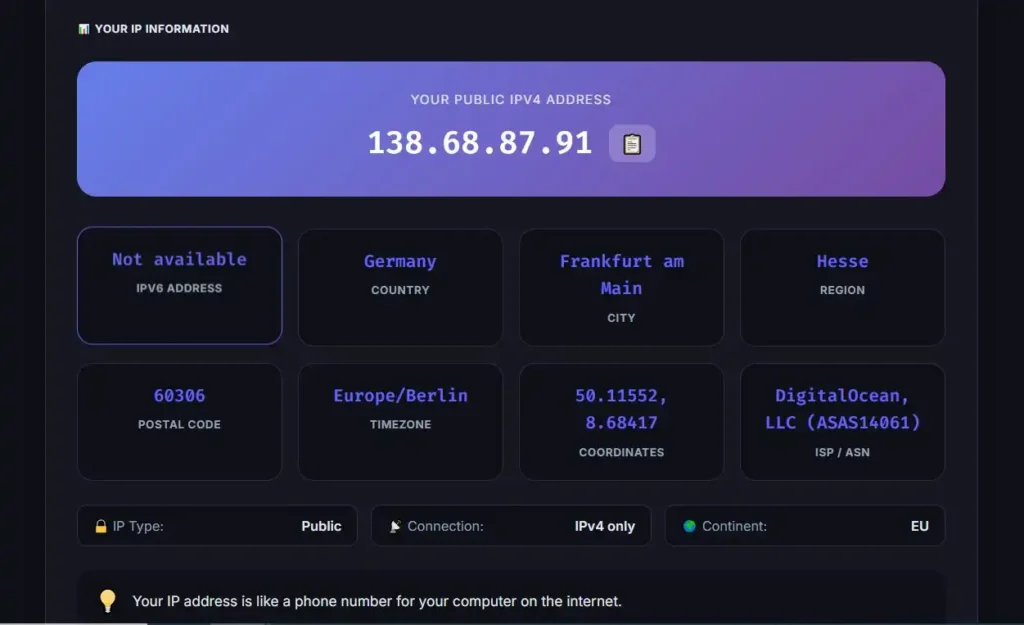
If you want to see your current public IP address, you can use the MiniToolsPro What Is My IP Address tool.
For broader background on public, private, and other types of IP addresses, see the complete guide to IP addresses.
Common Misconceptions About Static and Dynamic IPs
A dynamic IP must change regularly
Not necessarily. A dynamic address can remain the same across multiple lease renewals or network sessions.
A static IP is always public
No. Static and dynamic describe address assignment. An address can be static and private.
A static IP makes internet access faster
No. Static addressing does not inherently increase bandwidth or reduce latency.
Dynamic IP addresses make you anonymous
No. An IP address can change without providing complete anonymity. Other network and account information can still be associated with online activity.
Changing your IP means you have changed your device identity
Not necessarily. An IP address is a network-layer address. It should not be treated as a permanent identifier for a physical device or person.
Static vs Dynamic IP: The Bottom Line
The difference between a static and dynamic IP address is primarily how the address is assigned and whether it is intended to remain predictable.
Static IP addresses provide consistent addressing, which can be useful for servers, infrastructure, remote access, and other services that need a known address. Dynamic IP addresses are assigned automatically and can be reassigned, making them convenient for ordinary devices and networks with many clients.
For most everyday devices, dynamic addressing is simple and practical. When a device or service needs a predictable address, static addressing or a DHCP reservation may be more appropriate.
Frequently Asked Questions
Is a static IP better than a dynamic IP?
Neither is universally better. A static IP is useful when consistent addressing is required, while dynamic addressing is convenient for devices that do not need a permanent address.
Can a dynamic IP address stay the same?
Yes. Dynamic assignment does not mean an address must change frequently. A DHCP server may renew a lease and assign the same address again.
Can I change from a dynamic IP to a static IP?
It depends on whether you mean a private or public IP address. A local network administrator can configure static private addressing, while a static public IP generally depends on the ISP or network provider.
Does a static IP cost more?
It can, particularly when referring to a static public IP supplied as an additional service. Pricing and availability depend on the ISP or service provider.
Is my home IP usually static or dynamic?
Many home connections use dynamically assigned public IP addresses, but practices vary by ISP and service. The only reliable way to determine the assignment method for your connection is to check your ISP's service information or network configuration.
Share this article 👇


0 Comments