
Table of Contents
Word Counter Explained
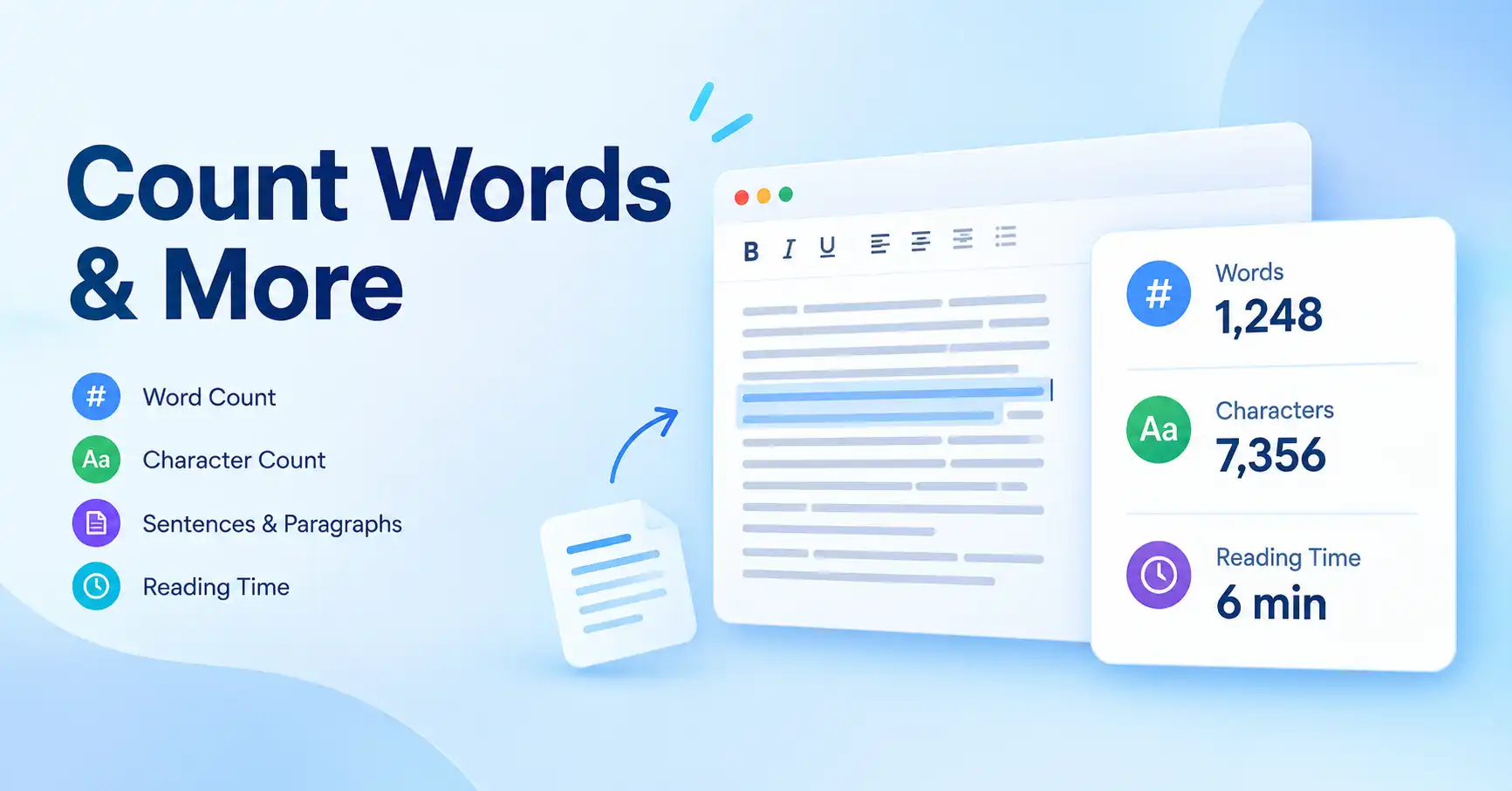
If you need to know how many words are in an essay, article, paragraph, speech, or any other piece of text, a word counter gives you the answer in seconds. Depending on the tool, you can also check character count, sentences, paragraphs, and estimated reading or speaking time.
For a quick check, paste your text into the MiniToolsPro Word Counter. It can analyze your text without requiring you to manually count anything.
But word count is only one part of understanding a piece of writing. A document can meet a 1,000-word requirement while still being too long in characters, taking longer to read than expected, or containing sections that could be tightened.
This guide explains what word count means, how character counting differs, how reading time is estimated, and when each measurement is useful.
What Is a Word Counter?
A word counter is a tool that calculates how many words appear in a piece of text.
You can use one for almost any text-based task, including:
- Checking an essay against an assigned word limit
- Counting words in a blog post
- Checking the length of a speech
- Measuring the size of a paragraph
- Reviewing a document before submission
- Checking character limits
- Estimating how long text will take to read
- Reviewing frequently used words
Instead of manually counting each word, you paste the text into a word-counting tool and receive the result immediately.
For example, if an assignment requires between 1,500 and 2,000 words, you can paste your draft into a word counter and immediately see whether it falls within that range.
How Do You Check a Word Count?
The simplest way is to copy your text and paste it into a word counter.
Step 1: Copy your text
Select the essay, article, speech, paragraph, or other text you want to measure.
Step 2: Open a word counter
Use the MiniToolsPro Word Counter or another word-counting feature available in your writing software.
Step 3: Paste the text
Paste your content into the tool's text area.
Step 4: Review the results
The tool can show useful measurements such as:
- Word count
- Character count
- Character count with or without spaces
- Sentence count
- Paragraph count
- Estimated reading time
- Estimated speaking time
- Frequently used words
- Keyword statistics
The exact measurements you need depend on the task. If you're checking an essay limit, word count may be the main number. If you're preparing text for a platform with a character restriction, character count may matter more.
Word Count vs. Character Count: What's the Difference?
Word count tells you how many words are in a piece of text. Character count tells you how many individual characters it contains.
Characters generally include letters, numbers, punctuation marks, and spaces depending on the counting method being used.
Consider this sentence:
Writing clearly makes information easier to understand.
Its word count and character count are different because a single word can contain several characters, and spaces and punctuation may also be included in a character measurement.
This distinction becomes important when a requirement specifies a character limit rather than a word limit.
For example, an assignment may specify a maximum number of words, while a form or online service may restrict the number of characters you can enter.
If you're unsure which measurement you need, see [Word Count vs Character Count: What's the Difference?] for a more detailed explanation.
Character count with and without spaces
Some word-counting tools distinguish between characters with spaces and characters without spaces.
That's useful when a requirement specifically refers to one type of character count.
For example:
| Measurement | What it tells you |
|---|---|
| Words | Number of words in the text |
| Characters with spaces | Characters including spaces |
| Characters without spaces | Characters excluding spaces |
| Sentences | Number of detected sentences |
| Paragraphs | Number of detected paragraphs |
Always check the wording of the requirement you're trying to meet. "500 characters" doesn't necessarily tell you whether spaces should be included unless the platform or instructions specify it.
How Many Words Should You Write?
There isn't one universal word count for every type of writing.
An essay may have a specific requirement from a school or university. A blog post may be as long as necessary to answer its topic properly. A speech depends on the amount of time available and the speaker's pace.
Common writing projects can therefore have very different lengths.
| Type of writing | Word count depends mainly on |
|---|---|
| Essay | Assignment or institution requirements |
| Academic paper | Assignment, publication, or course requirements |
| Blog post | Topic, purpose, and depth needed |
| Speech | Speaking time and delivery pace |
| Article | Subject, audience, and publication requirements |
| Short description | Platform or editorial requirements |
The important point is that a general recommendation should not replace an actual requirement.
If your instructor says an essay must be 2,000 words, that requirement matters more than a generic guideline suggesting that essays are normally shorter or longer.
For a deeper discussion of different writing lengths, see [How Many Words Do I Need? Word Counts for Essays, Articles, Speeches & More].
How Is Reading Time Calculated From Word Count?
Reading time is an estimate of how long it may take someone to read a piece of text.
A simple calculation uses the number of words and an assumed reading speed:
Reading time = word count ÷ reading speed
For example, suppose an article contains 1,200 words and an assumed reading speed of 200 words per minute:
1,200 ÷ 200 = 6 minutes
So the estimated reading time would be about six minutes.
This is only an estimate. People don't all read at the same speed. Reading speed can vary depending on the reader, subject complexity, language familiarity, formatting, and whether the person is skimming or reading carefully.
A technical article may take longer to understand than a similarly sized piece of simple prose.
You can use the MiniToolsPro Word Counter to get an estimated reading time alongside your word count.
For a more detailed explanation of the calculation, see [How to Calculate Reading Time From Word Count].
What About Speaking Time?
Speaking time is different from reading time because people generally speak at a different pace from the speed at which they silently read.
This makes word count particularly useful when preparing:
- Presentations
- Speeches
- Video scripts
- Podcast scripts
- Voice-over scripts
- Public speaking notes
If you know approximately how many words you normally speak per minute, you can estimate the length of a script.
For example, a 1,000-word script delivered at 125 words per minute would take approximately eight minutes.
The actual duration can change because of pauses, emphasis, audience interaction, pronunciation, and delivery style.
That's why a word counter's speaking-time estimate should be treated as a planning aid rather than an exact prediction.
How Does a Word Counter Count Words?
At a basic level, a word counter identifies sequences of text that it interprets as words and calculates how many there are.
However, real-world text isn't always perfectly straightforward.
Consider content containing:
- Multiple spaces
- Line breaks
- Punctuation
- Numbers
- Abbreviations
- Hyphenated terms
- Headings
- Lists
- URLs
- Special characters
Different counting systems can handle unusual text differently.
This is one reason the number displayed by a word counter may not always match another application exactly. The underlying counting rules and treatment of particular text patterns can affect the result.
If you're interested in the mechanics behind word counting, read [How Does a Word Counter Count Words?].
For everyday writing, however, the important thing is usually consistency. If you're checking whether your draft meets a particular requirement, use the counting method or software specified by the organization when one is provided.
Checking Word Count in Microsoft Word and Google Docs
Many people don't need a separate website because their writing software already provides word-counting functionality.
Microsoft Word and Google Docs both provide ways to check the length of a document. The exact interface can vary depending on the application version and platform.
If you're already writing an essay in one of these applications, checking the word count there can be convenient because your document is already open.
A separate online word counter can still be useful when you want to quickly analyze pasted text or check several measurements in one place.
For platform-specific instructions, see [How to Check Word Count in Microsoft Word and Google Docs].
When Should You Use a Word Counter?
A word counter is useful whenever the length of your text matters.
Before submitting an essay
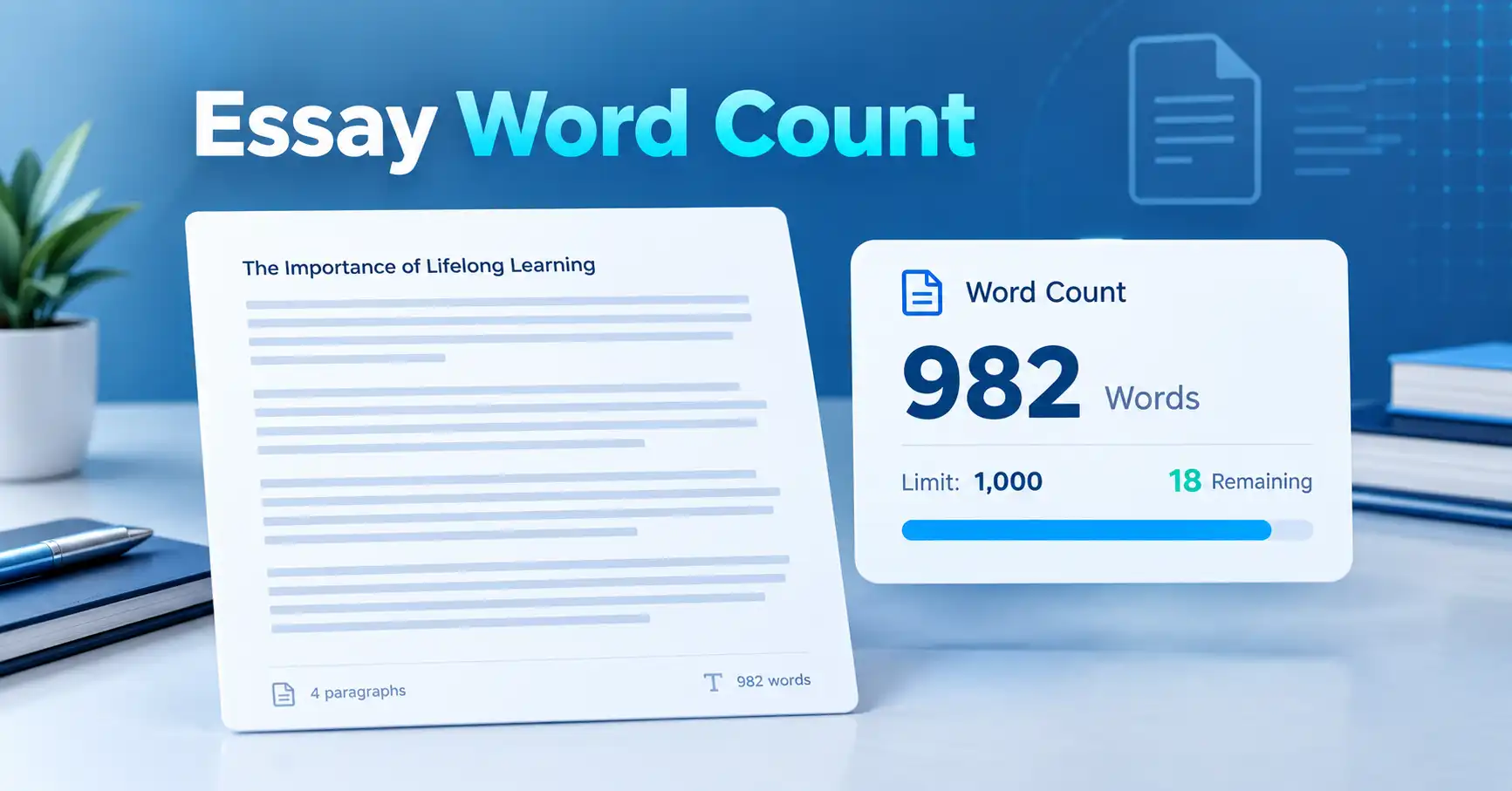
If your assignment has a minimum or maximum word count, check your draft before submitting it.
Don't wait until the final sentence to discover that you're hundreds of words over the limit. Checking throughout the writing process makes it easier to adjust the draft naturally.
Before publishing an article
Word count can help you understand the overall size of an article and compare sections of a draft.
It shouldn't be used as a reason to add unnecessary paragraphs. A useful article should be as long as necessary to properly answer its subject.
When preparing a speech
Word count provides a practical starting point for estimating how long a speech or presentation script may take to deliver.
When working with character limits
Some forms, descriptions, messages, and publishing systems impose character rather than word limits.
In these situations, character count is more relevant than the number of words.
When reviewing a draft
A word counter can also help you spot unexpectedly long sections.
For example, if a short introduction contains a disproportionate number of words compared with the rest of an article, that may be a useful signal to review it.
A Simple Example
Imagine you've written a 1,500-word article.
A word counter might show something similar to:
| Measurement | Example result |
|---|---|
| Words | 1,500 |
| Characters with spaces | 8,700 |
| Characters without spaces | 7,200 |
| Sentences | 75 |
| Paragraphs | 32 |
| Estimated reading time | About 7–8 minutes |
| Estimated speaking time | About 12 minutes |
These numbers describe different aspects of the same text.
The word count tells you how much text you have. Character count tells you how many characters the text contains. Sentence and paragraph counts provide structural information, while reading and speaking times provide approximate duration estimates.
This is why looking at more than one measurement can be useful.
What Should You Check Before Submitting Your Writing?
Word count is worth checking, but it shouldn't be the only thing you review.
Before submitting or publishing, consider:
- Does the text meet the required word or character limit?
- Have you answered the actual question or purpose?
- Are important points explained clearly?
- Are paragraphs easy to follow?
- Have you removed unnecessary repetition?
- Does the introduction get to the point?
- Does the conclusion provide a useful ending?
- Are there obvious spelling, grammar, or formatting issues?
A document that hits the exact word count isn't automatically a strong document.
Likewise, a shorter piece isn't automatically better simply because it uses fewer words. The appropriate length depends on the purpose and requirements of the writing.
Use a Word Counter Before You Submit
If you already have your text ready, there's no need to manually count anything.
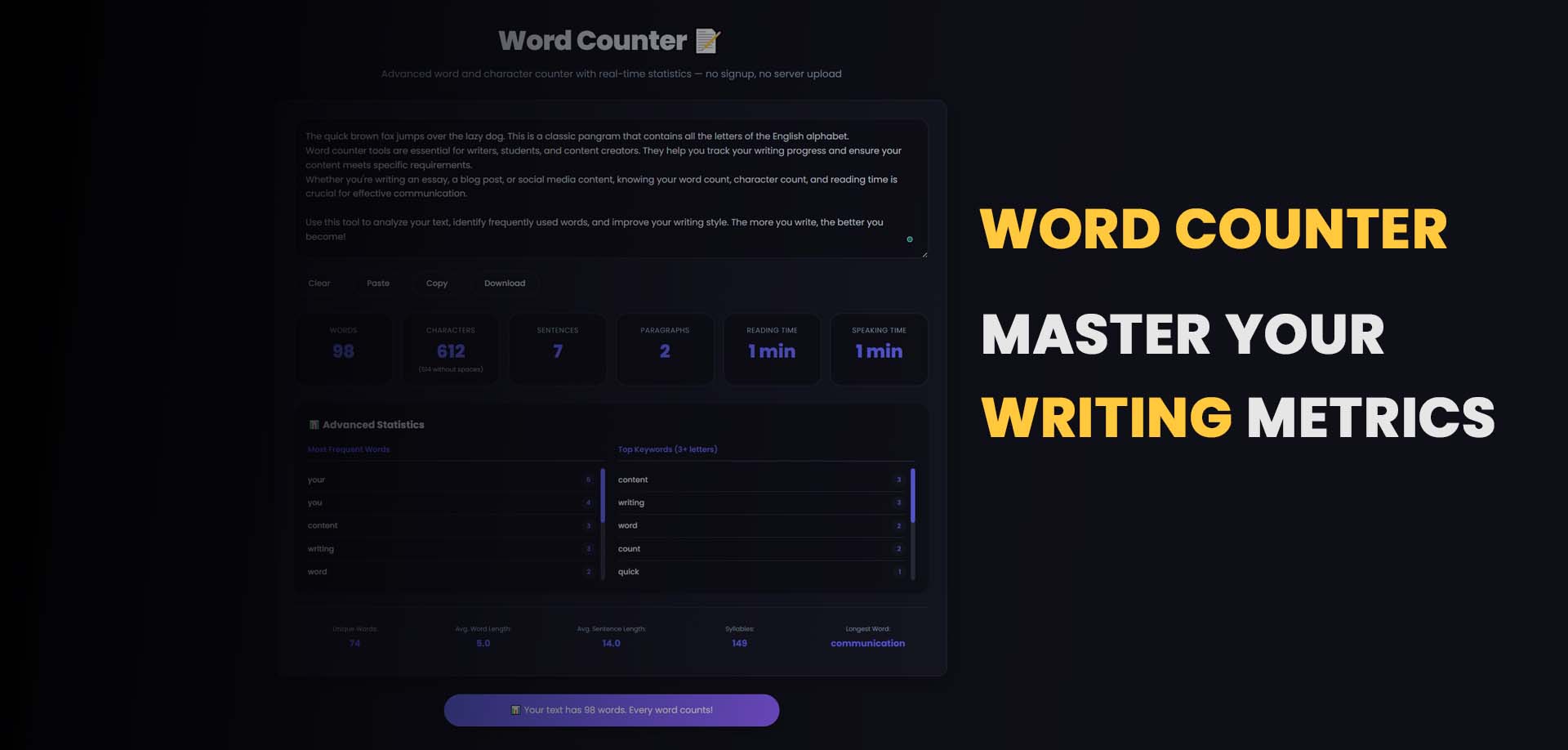
Paste your content into the MiniToolsPro Word Counter to check its word count, character count, sentences, paragraphs, and estimated reading or speaking time.
You can also review frequently used words and keyword statistics when you want a quick look at the text itself.
For an essay, this can help confirm that you're within the required range. For an article or speech, it can give you a better sense of the overall length.
Frequently Asked Questions
What is a word counter used for?
A word counter is used to determine how many words are contained in a piece of text. Many word counters also provide character, sentence, paragraph, and estimated reading-time measurements.
Is word count the same as character count?
No. Word count measures the number of words, while character count measures individual characters. Character measurements may include or exclude spaces depending on the counting method.
How do I calculate reading time from word count?
Divide the total number of words by an assumed reading speed in words per minute. For example, 1,000 words at 200 words per minute gives an estimated reading time of five minutes.
How many words should an essay have?
The required length depends on the assignment, course, institution, or other instructions. There is no single word count that applies to every essay.
Can I check character count as well as word count?
Yes. The MiniToolsPro Word Counter provides word and character counts, including character counts with or without spaces.
Does a word counter give an exact reading time?
No. Reading time is an estimate based on an assumed reading speed. Actual reading time varies between people and can also depend on the complexity and formatting of the text.
Final Takeaway
Word count is a simple measurement, but it can answer several practical questions about your writing.
You can use it to check whether an essay meets its assigned limit, understand the size of an article, estimate the length of a speech, or determine whether text fits within a character restriction.
Character count, sentence count, paragraph count, reading time, and speaking time provide additional context when you need a broader view of your text.
When you need a quick check, paste your writing into the MiniToolsPro Word Counter and review the measurements together rather than focusing on word count alone.
The goal isn't simply to reach a particular number. It's to make sure the amount of writing fits the purpose, requirements, and reader.
Share this article 👇
0 Comments