
Table of Contents
What Is My IP Address?
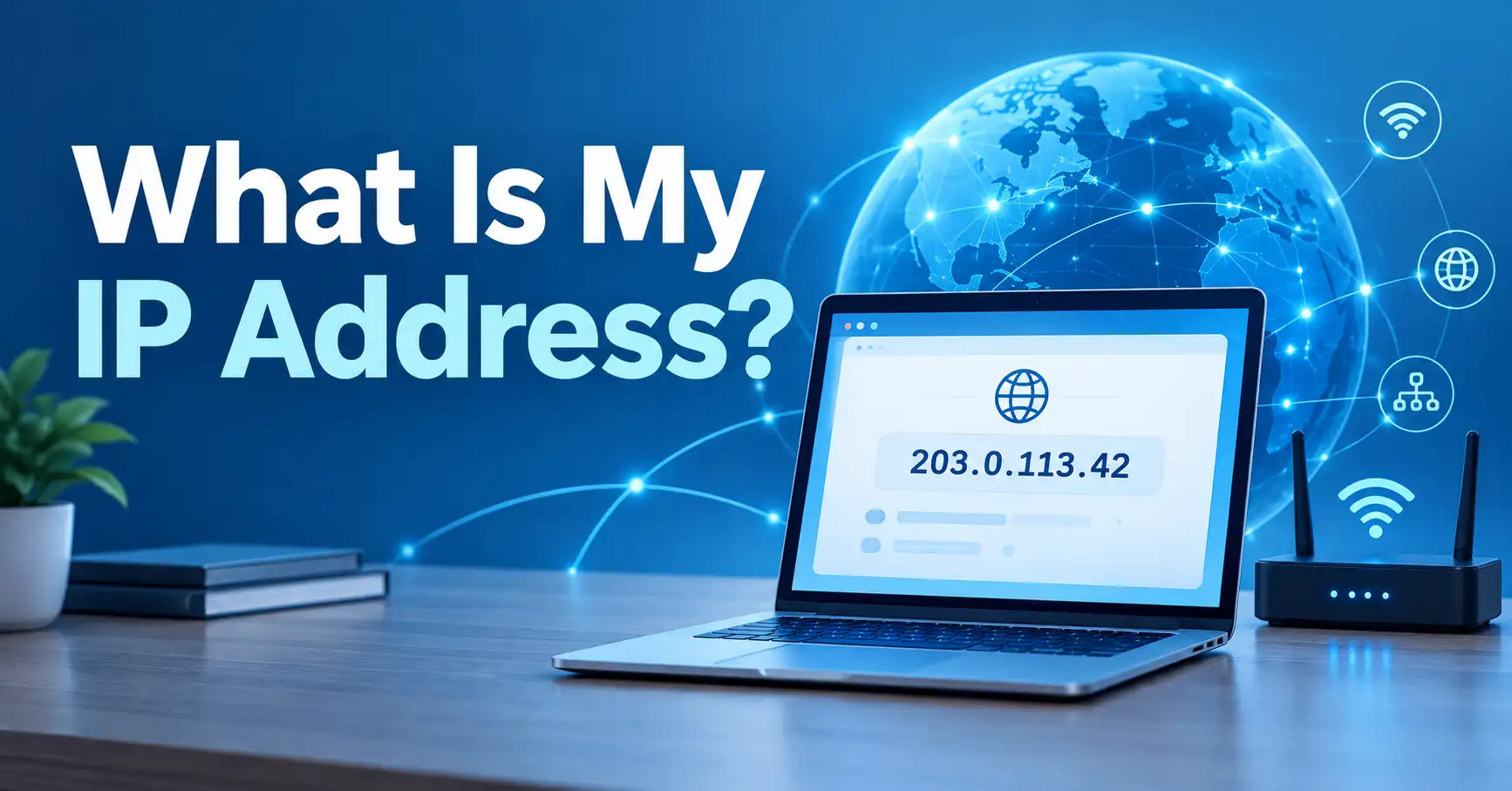
Your IP address is a numerical address used to identify a network interface and help route internet traffic to and from your connection. When you ask “what is my IP address,” you are usually looking for your public IP address, which is the address that websites and internet services can generally see when you connect to them.
If you want to see your current public IP address immediately, you can use the MiniToolsPro What Is My IP Address tool.
What Is an IP Address?
An IP address, short for Internet Protocol address, is a numerical address used by networks to identify and route traffic to the appropriate destination.
Think of an IP address as part of the addressing system that allows devices and networks to communicate. When your browser requests a webpage, network traffic needs addresses for the source and destination so that routers and other networking equipment can move the packets toward the right place.
There are currently two major IP versions in active use:
- IPv4, which uses 32-bit addresses such as
203.0.113.25 - IPv6, which uses 128-bit addresses such as
2001:db8::25
IPv4 addresses are normally written as four decimal numbers separated by periods. IPv6 addresses use hexadecimal groups separated by colons. IANA maintains the global registries for IPv4 and IPv6 address space.
Why Do We Need IP Addresses?
IP addresses allow network traffic to be addressed and routed.
For example, when you open a website:
- Your device sends a request.
- The request travels through your local network and internet service provider.
- Routers use addressing information to forward the traffic.
- The destination server receives the request.
- The response is sent back toward your connection.
Without an addressing system, internet-connected networks would not have a practical way to determine where traffic should go.
What Is My Public IP Address?
When most people search for “what is my IP address,” they mean their public IP address.
Your public IP address is the address associated with your internet connection as it is presented to the wider internet. Websites, online services, and other internet-connected systems can generally observe the public-facing address from which a connection reaches them.
For example, a public IPv4 address might look like:
203.0.113.25
The actual address you see will depend on your network, ISP, connection type, and configuration.
How Can I Check My Public IP Address?
The easiest method is to use an IP lookup tool.
To check it:
- Open the MiniToolsPro What Is My IP Address tool.
- The tool can display the public IP information available from your current connection.
- Use the result when troubleshooting network access, checking a VPN connection, or simply identifying the public address visible to internet services.
You do not normally need to understand networking configuration just to check your public IP.
What Is a Private IP Address?
A private IP address is an address used within a private network, such as a home, office, or other local network.
Your laptop, phone, smart TV, printer, and other devices may each have their own private IP address while sharing a single public-facing internet connection.
Common private IPv4 ranges include:
| Private range | Typical use |
|---|---|
10.0.0.0 – 10.255.255.255 | Private networks |
172.16.0.0 – 172.31.255.255 | Private networks |
192.168.0.0 – 192.168.255.255 | Common home and small-office networks |
These ranges are reserved for private networks and are not routed as ordinary public addresses across the global internet.
A typical home network might therefore look something like:
Internet
   |
Public IP
   |
Router
   |
-------------------------
|          |            |
Laptop     Phone        TV
192.168.1.20
192.168.1.21
192.168.1.22
The router commonly uses Network Address Translation (NAT) to allow multiple private devices to communicate through a public-facing address. Private IP addresses are therefore different from the public IP address you see when checking your connection from the internet.
For a deeper explanation, see the guide to public vs. private IP addresses.
Public IP vs. Private IP: What's the Difference?
The simplest distinction is where the address is used.
| Feature | Public IP address | Private IP address |
|---|---|---|
| Used on | Public internet | Local/private network |
| Generally visible to websites | Yes | No |
| Assigned within a home network | Usually not | Yes |
| Globally routable | Generally yes | No |
| Example | 203.0.113.25 | 192.168.1.20 |
| Commonly associated with | Internet connection | Local device/network |
A device can therefore have a private IP address on your home network while your internet connection has a public IP address.
What Is IPv4?
IPv4 is Internet Protocol version 4.
IPv4 uses 32-bit addresses and represents them as four decimal values separated by periods.
For example:
192.0.2.25
Each decimal section can range from 0 to 255.
IPv4 has been in use for decades and remains widely deployed. However, its address space is limited compared with IPv6, which was developed with a much larger address space. IANA identifies IPv4 and IPv6 as the two IP versions currently in active use.
What Is IPv6?
IPv6 is Internet Protocol version 6.
IPv6 uses 128-bit addresses and represents them with hexadecimal notation.
An example is:
2001:db8:1234::25
IPv6 provides a vastly larger address space than IPv4 and supports modern internet addressing requirements.
An IPv6 address can look intimidating at first, but the underlying purpose is the same: it provides addressing information that networks use to identify interfaces and route traffic.
If you see both IPv4 and IPv6 when checking your connection, that does not necessarily indicate a problem. Many networks support both protocols.
Learn more in our guide to IPv4 vs. IPv6.
Why Do I Have More Than One IP Address?
Having multiple IP addresses is normal.
A single device can have:
- a private IPv4 address
- an IPv6 address
- additional addresses associated with network interfaces
- different addresses on different networks
Your phone, for example, may have one set of network addresses while connected to Wi-Fi and another when using a mobile network.
Your home router can also have a private address on the local network and a public-facing address associated with the internet connection.
This is why the IP address shown in your device's network settings may not be the same address that an online IP-checking service sees.
How Are IP Addresses Assigned?
IP address allocation is hierarchical rather than one organization simply handing individual addresses to every internet user.
At the global level, IANA coordinates IP address resources. Large address blocks are allocated to the Regional Internet Registries (RIRs), which serve different geographical regions. ISPs and other network operators then receive address resources through the appropriate allocation and registration system.
The five Regional Internet Registries are:
- AFRINIC
- APNIC
- ARIN
- LACNIC
- RIPE NCC
Your ISP may then assign an address to your connection according to its network configuration and service.
The address assigned to a customer can be dynamic or static, depending on the service and network configuration.
What Is a Dynamic IP Address?
A dynamic IP address is an address that can change over time.
Many residential internet connections use dynamically assigned public addresses. However, dynamic does not necessarily mean that the address changes every few minutes or every time you reconnect.
The actual behavior depends on the ISP and network configuration.
For example, your public IP might remain unchanged for a considerable period and later change after a reconnect, lease event, network change, or other ISP-side event.
What Is a Static IP Address?
A static IP address is intended to remain assigned to a connection or service rather than being routinely changed.
Static addresses can be useful for situations where a service needs a consistent address, such as certain business networking configurations, remote access arrangements, or servers.
Whether you have a static or dynamic public IP depends on your provider and service configuration.
See our detailed comparison of static vs. dynamic IP addresses.
What Does My IP Address Reveal About Me?
An IP address can provide useful information about the network connection associated with it, but it does not automatically reveal your exact physical address or identity.
Depending on the address and available databases, IP-related information may be associated with things such as:
- ISP or network operator
- organization
- country
- approximate region
- sometimes an estimated city
- network or autonomous-system information
IP geolocation is an estimate. The quality and precision of location information varies between databases and address types.
An IP address should therefore not be treated as a GPS coordinate or a guaranteed identification of a specific person.
For a deeper explanation, see what your IP address can reveal.
Can Someone Find My Exact Location From My IP Address?
Usually, an IP address alone does not provide someone's exact home address or exact GPS position.
IP geolocation databases may associate an address with a country, region, city, ISP, or organization, but those associations can be approximate or outdated.
There are several reasons for this:
- IP addresses may be dynamically assigned.
- Multiple users may share a public address.
- Businesses may use centralized network infrastructure.
- Mobile networks can make geographic associations less precise.
- VPNs and proxies can make the observed address different from the user's underlying connection.
- Geolocation databases are estimates rather than GPS systems.
Therefore, an IP-based location should be interpreted as an approximate network location, not a precise physical location.
Can Someone Hack Me With My IP Address?
Knowing an IP address does not automatically give someone control of the device using it.
An IP address provides network addressing information. Successful attacks generally depend on additional factors, such as exposed services, vulnerabilities, weak authentication, misconfigured systems, or other security weaknesses.
An exposed public IP can still be relevant to security because it can be used as a destination for network traffic, scanning, or other attempts to interact with internet-facing services.
The sensible approach is not to panic about the existence of a public IP. Instead:
- keep operating systems and applications updated
- use strong authentication
- secure your router
- disable unnecessary internet-facing services
- use a properly configured firewall
- investigate unusual network activity when appropriate
For more detail, see can someone hack you with your IP address?.
Does a VPN Change My IP Address?
A VPN can change the public IP address that websites and other internet services observe, because traffic is routed through the VPN service rather than directly from your ordinary internet connection.
However, using a VPN does not mean every network identifier on your device changes.
Your device may still have:
- a local/private IP address
- network-interface information
- other identifiers used by applications or services
A VPN also does not make someone automatically anonymous. Other information, including account logins, browser characteristics, cookies, application data, and other tracking mechanisms, can still associate activity with a user.
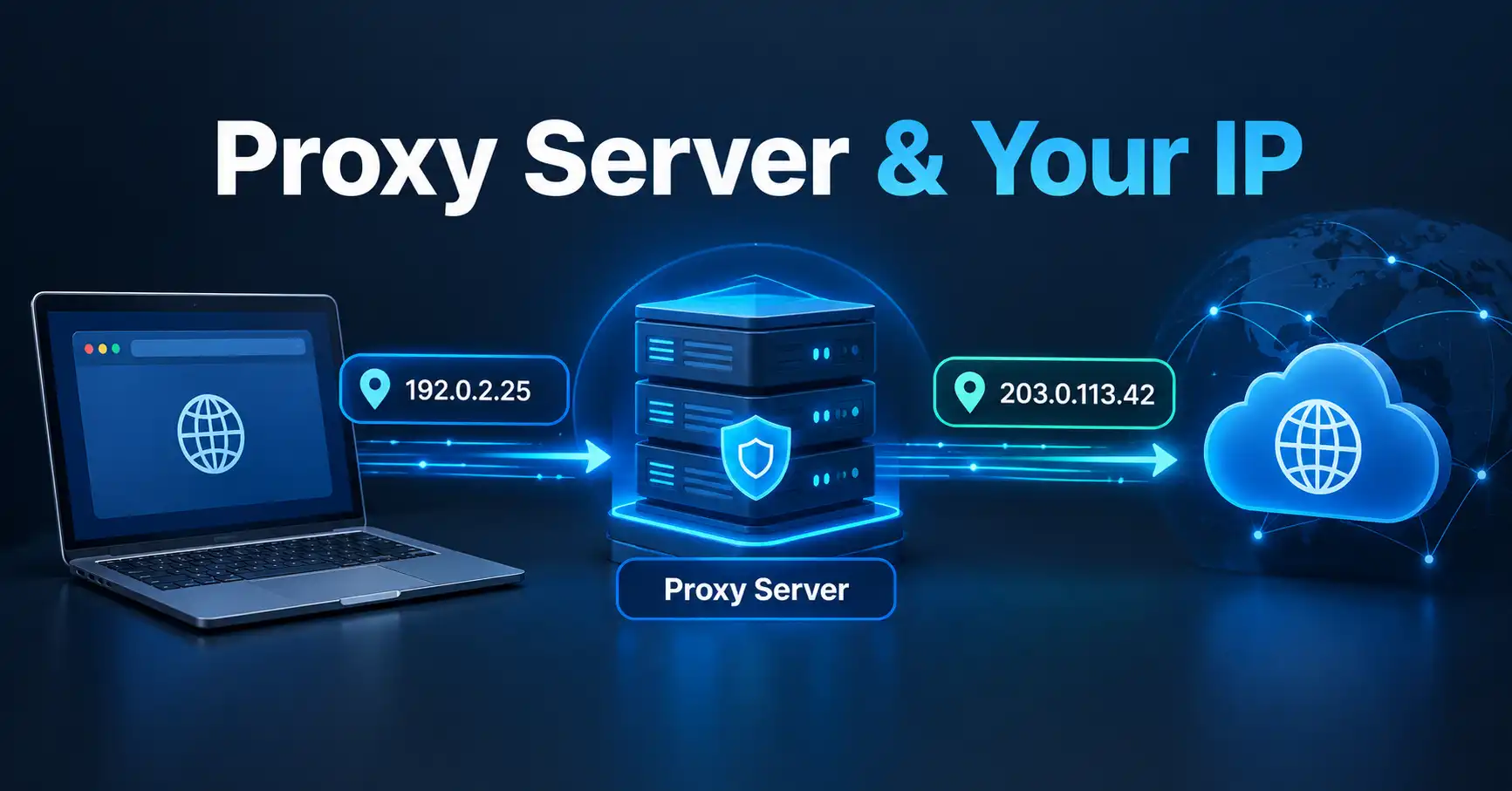
Similarly, a proxy server can cause websites to see the proxy's address rather than the originating connection in some configurations.
Learn more about how to change or hide your IP address.
What Is a Router's IP Address?
A router can have more than one relevant IP address.
On a home network, the router commonly has a private IP address that devices use to communicate with the router.
For example:
192.168.1.1
That address is only an example. Different routers and network configurations can use different private addresses.
The router also connects the local network to an ISP and may have a public-facing address associated with the internet connection.
This distinction explains why your router's local address is not necessarily the same as the public IP address shown by an online IP-checking service.
If you need to access your router's administration interface, you may need to identify its local/private address.
See how to find your router's IP address.
IP Address vs. MAC Address
An IP address and a MAC address serve different purposes.
| Feature | IP address | MAC address |
|---|---|---|
| Primary role | Network addressing and routing | Link-layer/interface identification |
| Commonly changes | Can change | Often associated with a network interface |
| Used by | IP networks | Local network technologies |
| Example format | 192.168.1.20 | 00:1A:2B:3C:4D:5E |
A MAC address is associated with a network interface at the local network level, while an IP address is part of the addressing system used for IP communication.
They should not be treated as interchangeable identifiers.
What Happens When I Visit a Website?
Suppose you enter a website address into your browser.
A simplified version of what happens is:
- Your browser needs to locate the destination.
- DNS can translate a domain name into an IP address.
- Your device sends network traffic toward the destination.
- Routers forward packets through the network.
- The destination server receives the request.
- The server sends a response back toward your connection.
DNS helps people use readable domain names instead of having to remember numerical IP addresses.
The IP address is therefore one component of the larger system that allows internet communication to work.
Common IP Address Problems
Not every IP-related problem means that your internet connection is broken.
Common issues include:
IP Address Conflict
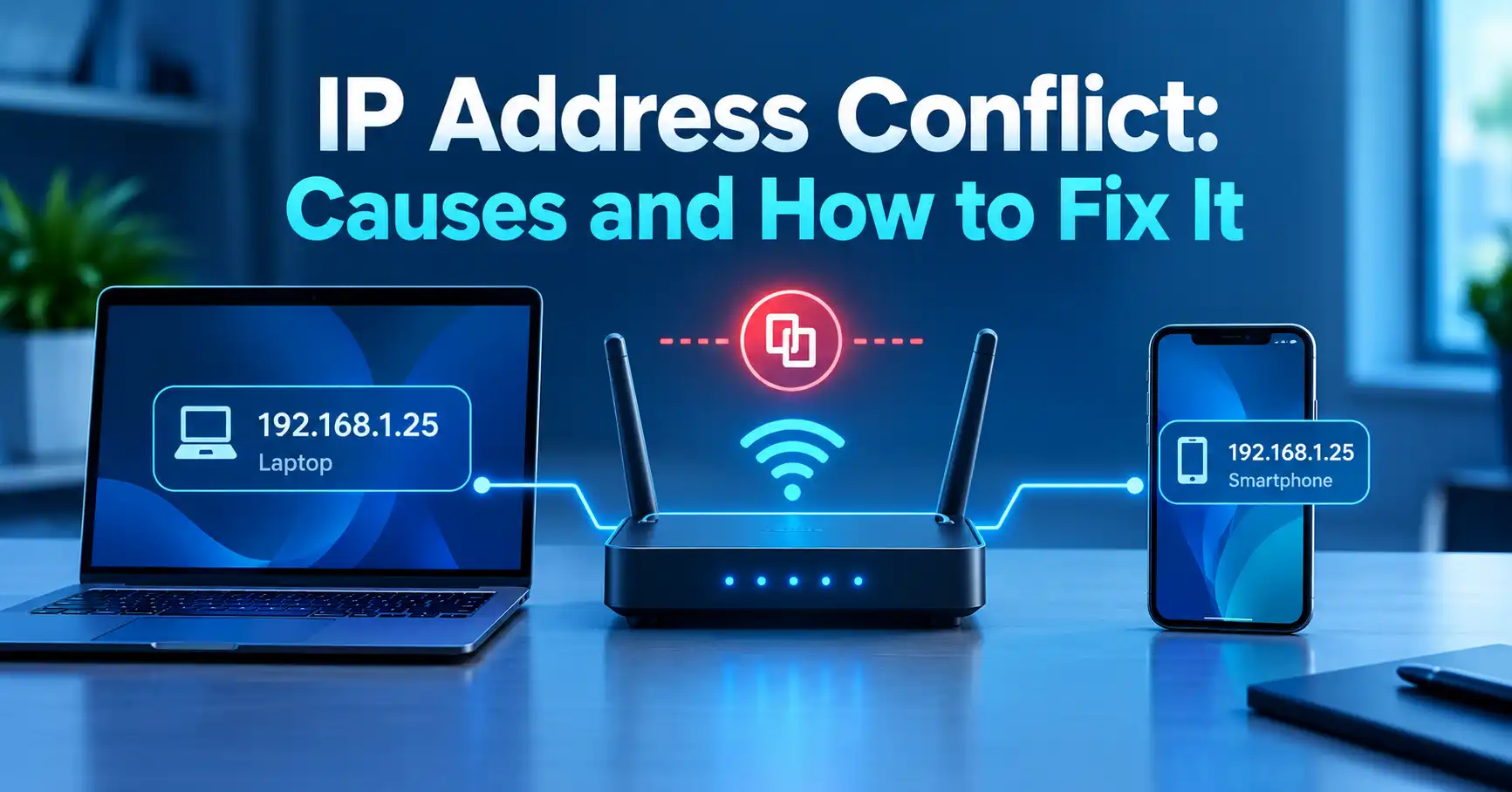
An IP address conflict can occur when two devices on the same network are assigned the same address when they should have different addresses.
Symptoms can include:
- intermittent network connectivity
- a device losing network access
- connection warnings
- problems communicating with other local devices
DHCP configuration problems, static-address mistakes, or other network configuration issues can contribute to conflicts.
Wrong IP Location
If an IP lookup shows the wrong city or region, that does not necessarily mean your connection has been compromised.
IP geolocation databases can associate addresses with approximate locations, and those associations are not guaranteed to match the user's physical location.
Public and Private IP Confusion
A common source of confusion is comparing an address such as:
192.168.1.25
with the address displayed by an online IP-checking service.
The first may be a private address inside your local network, while the second may be your public-facing address.
How Do I Find My IP Address on Different Devices?
The exact steps depend on your operating system and network configuration.
Generally, you can find a device's local IP address through its network settings.
You can also check your public IP address through an online IP-checking service.
The distinction matters:
- Device network settings usually show local network information.
- Online IP-checking tools generally show the public-facing address observed from the internet.
For a device-specific walkthrough, see how to find your IP address on any device.
Is My IP Address the Same as My Internet Connection?
Not necessarily in the way people often assume.
Your home network can contain multiple devices, each with its own private IP address, while those devices share a public-facing connection through the router.
With NAT, several private devices can communicate through a public IPv4 address.
For example:
Laptop       192.168.1.20
Phone        192.168.1.21
Smart TV     192.168.1.22
                 |
               Router
                 |
          Public IP address
                 |
              Internet
This is one reason an IP address does not automatically identify one specific person or one specific physical device.
Does My IP Address Stay the Same?
It depends on your network.
A public IP address may be:
- dynamic and subject to change
- static or intended to remain consistent
- affected by network changes
- different when using another network
- different when traffic is routed through a VPN or proxy
A laptop connected to home Wi-Fi, for example, may use a different public IP from the same laptop connected to a mobile hotspot.
The private address can also change depending on the local network's configuration.
Why Is My IP Address Important?
For ordinary users, your IP address matters mainly because it is part of how internet communication works.
It can also be relevant when:
- troubleshooting network problems
- configuring remote access
- checking whether a VPN is working as expected
- investigating connection issues
- configuring servers or network devices
- understanding how websites see your connection
- diagnosing IP conflicts
Knowing what your IP address represents can help you understand the difference between your device, router, local network, ISP, and the wider internet.
Frequently Asked Questions
What is my IP address?
Your IP address is a network address associated with a connection or network interface. When people ask this question online, they usually mean the public IP address visible to internet services.
How can I check my current IP address?
Use an online IP-checking service such as the MiniToolsPro What Is My IP Address tool. Your public-facing IP address can generally be detected without manually checking your router settings.
Can an IP address reveal my exact home address?
Generally, no. IP geolocation can provide an approximate location or network association, but an IP address alone does not normally reveal a user's exact home address or GPS coordinates.
What is the difference between a public and private IP address?
A public IP address is used for communication with the wider internet, while a private IP address is used within a local network. Private IPv4 ranges include 10.0.0.0/8, 172.16.0.0/12, and 192.168.0.0/16.
Why does my IP address sometimes change?
Your public IP may change when your ISP dynamically assigns addresses, when your connection changes, or when you connect through a different network. VPNs and proxies can also change the public address observed by websites.
The Bottom Line
Your IP address is a fundamental piece of information used to route internet traffic. Most people encounter two concepts first: a public IP address, which can be visible to internet services, and a private IP address, which is used inside a local network.
IPv4 and IPv6 provide the underlying addressing systems, while routers, ISPs, NAT, DNS, and other networking technologies work together to move traffic between devices and networks.
If you simply want to know what your current public IP address is, you can check it with the MiniToolsPro IP address tool. or SEOSiteKit IP address detector tool
Share this article 👇
0 Comments