
Table of Contents
Private IP Address Ranges Explained
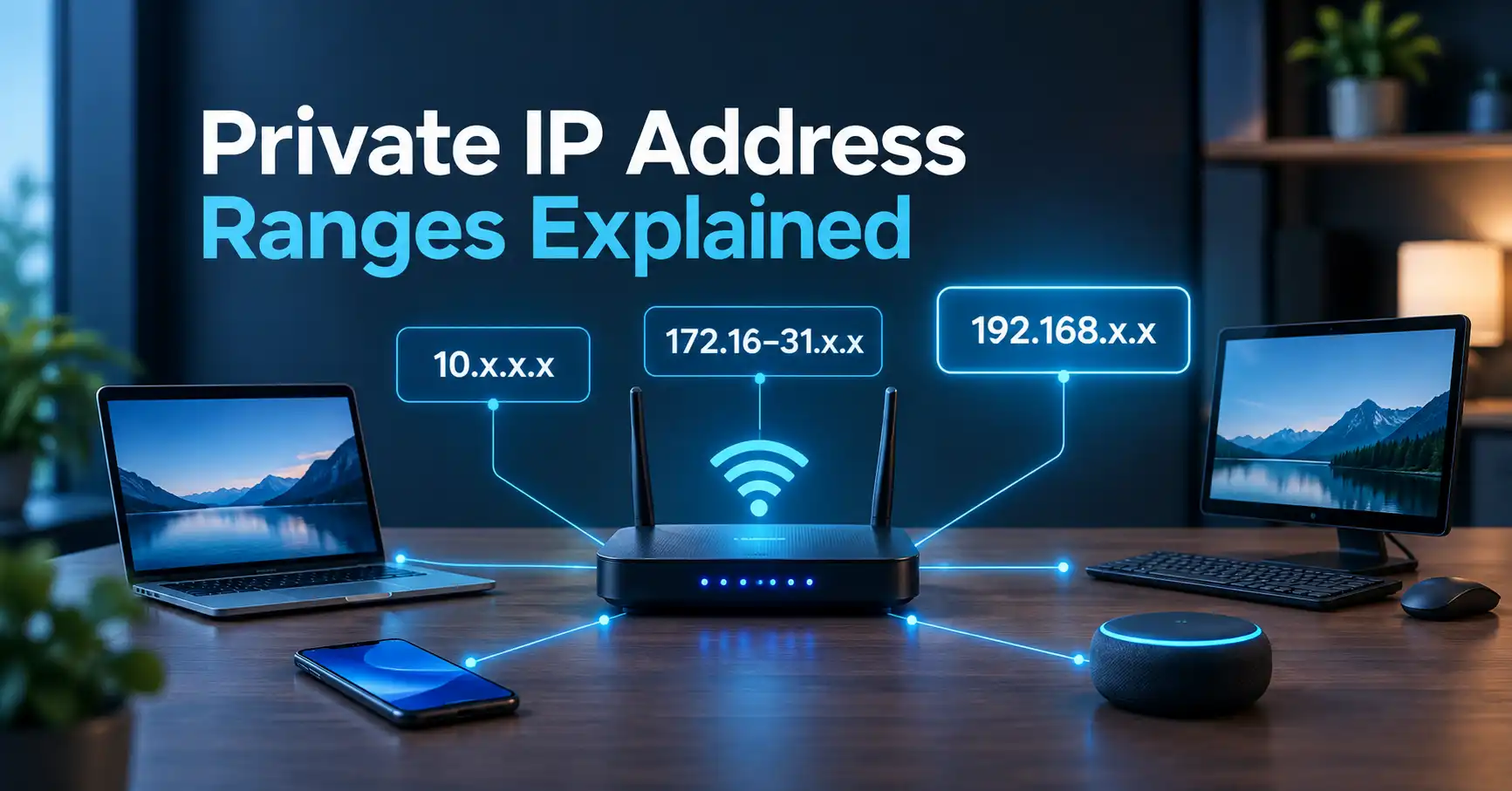
Private IP address ranges are IPv4 address blocks reserved for use inside local networks rather than directly on the public internet. The three standard private IPv4 ranges are 10.0.0.0–10.255.255.255, 172.16.0.0–172.31.255.255, and 192.168.0.0–192.168.255.255.
If you have ever seen an address such as 192.168.1.25 on a laptop, phone, smart TV, or router, you have probably encountered a private IP address. These addresses are a normal part of how home, office, and other local networks work.
What Is a Private IP Address?
A private IP address is an IPv4 address used to identify a device within a private network, such as a home Wi-Fi network or company LAN.
Unlike a public IP address, a private IP address is not globally unique. Different networks can use the same private address without causing a problem because those networks are separate.
For example, your home router might assign your laptop:
192.168.1.25
Someone in another home could have a laptop using exactly the same address. The two devices can still operate normally because 192.168.1.25 only has meaning within each local network.
The three private IPv4 ranges are defined by RFC 1918 and remain listed by IANA as Private-Use address space.
What Are the Private IP Address Ranges?
There are three RFC 1918 private IPv4 ranges:
| Private IP range | CIDR notation | Common use |
|---|---|---|
10.0.0.0 – 10.255.255.255 | 10.0.0.0/8 | Large networks and organizations |
172.16.0.0 – 172.31.255.255 | 172.16.0.0/12 | Private networks of varying sizes |
192.168.0.0 – 192.168.255.255 | 192.168.0.0/16 | Home and small-office networks |
These are the only three IPv4 blocks defined by RFC 1918 for private internets.
10.0.0.0/8
The first private block runs from:
10.0.0.0 to 10.255.255.255
It contains a very large address space and is often useful for larger private networks.
Examples include:
10.0.0.110.10.20.1510.100.50.2510.255.255.254
A device using 10.10.20.15, for example, can communicate with other devices on its local network without that address being globally routable on the public internet.
172.16.0.0/12
The second private block runs from:
172.16.0.0 to 172.31.255.255
This is where people sometimes make a mistake. Not every address beginning with 172 is private.
Only the range from 172.16.0.0 through 172.31.255.255 is part of the RFC 1918 private block.
For example:
172.16.0.10→ private172.20.5.25→ private172.31.255.254→ private172.15.10.5→ not RFC 1918 private172.32.10.5→ not RFC 1918 private
The /12 notation describes the complete block, rather than only the 172.16.x.x subnet. IANA lists 172.16.0.0/12 as Private-Use space.
192.168.0.0/16
The third range is probably the one most people recognize:
192.168.0.0 to 192.168.255.255
Examples include:
192.168.0.1192.168.1.1192.168.1.25192.168.10.50192.168.100.20
Home routers commonly use addresses from this block for their local networks, although the exact address selected depends on the router's configuration.
If your computer shows an address such as 192.168.1.25, that does not mean the computer is directly reachable from the public internet at that address. It is a local address used within the network.
Why Do Private IP Addresses Exist?
The original purpose of private address space was to allow organizations to build IP networks without needing a globally unique public IPv4 address for every device.
That matters because a typical network can contain many devices that need to communicate with one another but do not need individual public IPv4 addresses.
Consider a typical home:
- laptop
- smartphone
- tablet
- smart TV
- printer
- game console
- security camera
- router
The router can give these devices private addresses such as:
192.168.1.10192.168.1.11192.168.1.12192.168.1.13
Those addresses work inside the home network. The router then handles communication between the local network and the wider internet.
RFC 1918 specifically established these three address blocks so that separate private networks could use the same addresses independently.
Private IP vs Public IP
A private IP address and a public IP address serve different purposes.
| Private IP address | Public IP address |
|---|---|
| Used within a local/private network | Used for communication across the public internet |
| Does not need to be globally unique | Must be globally coordinated |
| Commonly assigned by a router or DHCP service | Often assigned through an ISP or other network provider |
Examples include 192.168.1.20 and 10.0.0.15 | Can be globally routable |
| Not directly reachable from the public internet as a normal private address | Can be visible to internet services |
The distinction is important when troubleshooting your connection. Your computer can have a private IP address while your router or internet connection has a separate public IP address.
For a broader explanation of how public and private addressing fit together, see the complete guide to what an IP address is.
How Does a Router Use Private IP Addresses?
Your router often acts as the boundary between your local network and the internet.
For example, imagine a home network like this:
Laptop       192.168.1.20
Phone        192.168.1.21
Smart TV     192.168.1.22
     \          |          /
          Wi-Fi Router
          192.168.1.1
               |
          Public IP
               |
           Internet
The devices communicate with the router using private addresses.
When one of those devices accesses a website, the router typically uses Network Address Translation (NAT) to allow multiple devices using private addresses to share an internet connection.
The important distinction is that the private address identifies the device within the local network. It is not the same address that a typical website sees as your internet connection's public source address.
Is 192.168.1.1 Always a Private IP Address?
192.168.1.1 is a private IPv4 address because it falls inside the 192.168.0.0/16 RFC 1918 range.
However, it is not the only possible router address.
A router could use:
192.168.0.1192.168.1.1192.168.10.110.0.0.1- another address within a suitable private subnet
The exact configuration depends on the network.
If you are trying to find your router's local address, you can learn more about how to find your router's IP address.
Is Every 192.168.x.x Address Private?
Yes, within IPv4, addresses from:
192.168.0.0 through 192.168.255.255
belong to the RFC 1918 private-use block.
So examples such as these are private:
192.168.0.1192.168.50.10192.168.100.100192.168.255.254
The 192.168.x.x pattern is simply a convenient way to describe this block. The complete range is /16, not a single 192.168.1.x network.
Is Every 172.x.x.x Address Private?
No.
This is one of the most useful details to remember.
Only:
172.16.0.0 – 172.31.255.255
is part of the RFC 1918 private range.
So 172.18.5.10 is private, while 172.40.5.10 is not an RFC 1918 private address.
The same principle applies when identifying private addresses manually: you need to check the complete range rather than looking only at the first number.
What About 10.x.x.x Addresses?
Addresses beginning with 10. are within the RFC 1918 private range.
For example:
10.0.0.1
and
10.50.20.30
are both private IPv4 addresses.
The entire 10.0.0.0/8 block is reserved for private use.
Because the block is large, it can be useful when an organization needs many private addresses or wants to divide its network into multiple subnets.
Are Private IP Addresses Safe?
A private IP address is not, by itself, a security feature or a guarantee that a device is protected.
Private addresses are designed for private network use and are not globally reachable in the same way as public addresses. IANA identifies the RFC 1918 ranges as Private-Use and not globally reachable.
However, a network still needs appropriate security controls.
For example, a router's firewall, device security, account passwords, software updates, and network configuration all affect the security of devices on a private network.
It is also important not to confuse private with secret. A private IP can be visible to other devices or services within the local network.
Are 169.254.x.x Addresses Private IP Addresses?
Not in the RFC 1918 sense.
The 169.254.0.0/16 range is a separate special-purpose IPv4 range known as Link Local. IANA lists it separately from the three RFC 1918 Private-Use ranges.
A device may automatically use a 169.254.x.x address when it is configured for automatic addressing but cannot obtain an address through DHCP.
That can be a useful troubleshooting clue. If a computer suddenly has a 169.254.x.x address, checking the router, DHCP service, Wi-Fi connection, or network configuration may be worthwhile.
How Can I Check My Current IP Address?
If you simply want to see the IP address associated with your current internet connection, you can use MiniToolsPro's What Is My IP Address tool.
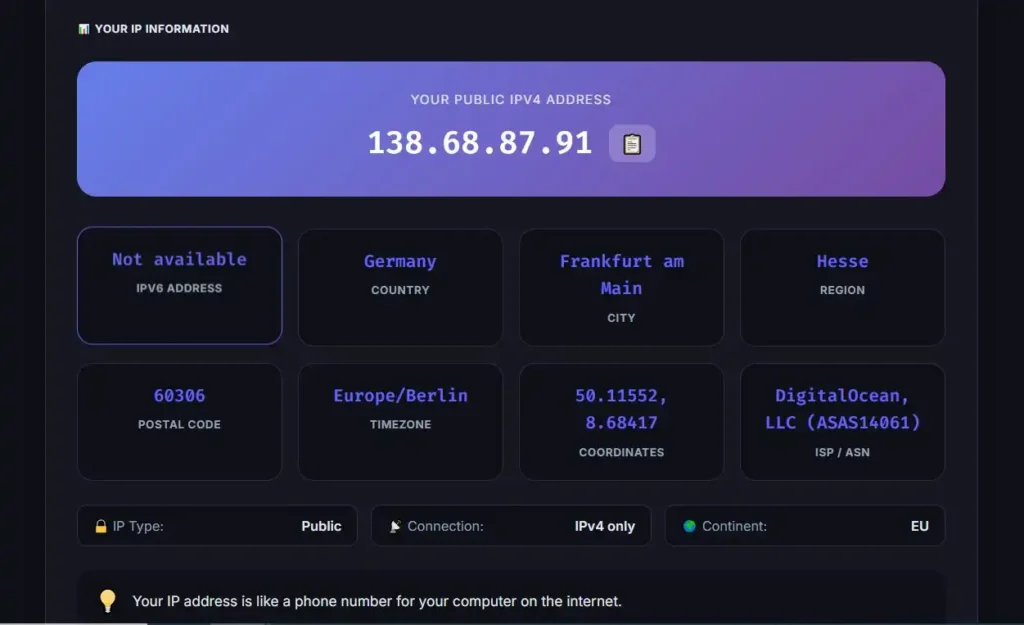
The tool is particularly useful when you are trying to distinguish the public IP visible to internet services from a private IP shown in your device's network settings.
Remember that checking your public IP does not necessarily tell you the private IP assigned to your computer or phone. Those are separate parts of the network configuration.
Private IP Address Ranges at a Glance
For quick reference, the three RFC 1918 ranges are:
| Range | CIDR | Private? |
|---|---|---|
10.0.0.0 – 10.255.255.255 | 10.0.0.0/8 | Yes |
172.16.0.0 – 172.31.255.255 | 172.16.0.0/12 | Yes |
192.168.0.0 – 192.168.255.255 | 192.168.0.0/16 | Yes |
One easy way to remember them is:
10.x.x.x → private
172.16–172.31.x.x → private
192.168.x.x → private
Anything outside those three RFC 1918 blocks should not automatically be assumed to be private.
Common Mistakes About Private IP Addresses
A few misconceptions cause unnecessary network troubleshooting problems.
“Every 192.168 address is a public IP.”
The opposite is true. The entire 192.168.0.0/16 block is reserved for private use.
“Every 172 address is private.”
Only 172.16.0.0 through 172.31.255.255 are RFC 1918 private addresses.
“My private IP is the IP websites see.”
Usually, no. A device can use a private address inside a local network while the internet connection uses a public IP.
“A private IP means the device is completely secure.”
No. Private addressing is part of network architecture, not a complete security solution.
“A private IP must be unique everywhere.”
No. The same private address can exist on many independent networks. Its uniqueness only matters within the relevant private network.
Frequently Asked Questions
What are the three private IP address ranges?
The three RFC 1918 private IPv4 ranges are 10.0.0.0/8, 172.16.0.0/12, and 192.168.0.0/16. In dotted-decimal form, they run from 10.0.0.0–10.255.255.255, 172.16.0.0–172.31.255.255, and 192.168.0.0–192.168.255.255.
Is 192.168.1.1 a private IP address?
Yes. 192.168.1.1 falls within the 192.168.0.0/16 private-use range. It is commonly used as a local router address, although routers can use other private addresses.
Is 172.20.1.1 a private IP address?
Yes. 172.20.1.1 falls between 172.16.0.0 and 172.31.255.255, so it is part of the RFC 1918 private range.
Is 10.0.0.1 a private IP address?
Yes. 10.0.0.1 belongs to the 10.0.0.0/8 private-use range.
Can a private IP address be accessed from the internet?
An RFC 1918 private address is not globally reachable as a normal public internet address. Devices on private networks typically reach internet services through a router or other network device that handles the connection between the local and external networks.
Final Takeaway
The private IP address ranges are straightforward once you know the three blocks:
- 10.0.0.0–10.255.255.255
- 172.16.0.0–172.31.255.255
- 192.168.0.0–192.168.255.255
These ranges allow homes, offices, and other private networks to use IPv4 addresses internally without requiring every local device to have a globally unique public IPv4 address.
If you are exploring how IP addresses work more broadly, the complete IP address guide is the natural next step. If your immediate goal is simply to see your current public IP, you can also check your IP address with MiniToolsPro.
Share this article 👇


0 Comments