
Table of Contents
How to Change My IP Address
If you want to change your IP address, the method depends on which IP you mean. Restarting your router, switching networks, or asking your ISP for a new address may change your public IP, while a VPN or proxy can make websites see a different IP without changing the address assigned to your internet connection.
The important distinction is that changing your IP address and hiding your IP address are not the same thing.
What Does It Mean to Change Your IP Address?
An IP address identifies a network connection or interface using Internet Protocol. Your home network can have several IP addresses at once.
For example, your router may have a public IP address that websites can see, while your laptop, phone, and other devices use private IP addresses inside your local network.
Private IPv4 addresses commonly come from these ranges:
10.0.0.0to10.255.255.255172.16.0.0to172.31.255.255192.168.0.0to192.168.255.255
These ranges are reserved for private networks and are not globally routable on the public Internet.
So, if a website sees your public IP and you change only your computer's private IP from 192.168.1.20 to 192.168.1.21, the website will normally still see the same public IP.
Public IP vs. Private IP
| IP address | Used for | Usually visible to websites? |
|---|---|---|
| Public IP | Connecting your network to the Internet | Yes |
| Private IP | Communication between devices on your local network | No |
| VPN server IP | Internet traffic routed through a VPN | Websites see the VPN's IP |
| Proxy server IP | Traffic routed through a proxy | Websites may see the proxy's IP |
If your goal is to appear to websites under a different IP address, you generally need to change or mask your public-facing IP, not simply change your local address.
How to Change Your Public IP Address
There is no single method that works for every Internet connection. Your ISP controls how your public address is assigned, so the result can vary between providers and connection types.
Here are the most practical options.
1. Restart Your Router
For many home connections, restarting the router is the simplest thing to try.
- Turn off your router.
- Wait for a short period.
- Turn the router back on.
- Wait until the Internet connection is restored.
- Check your public IP address again.
This may result in a different public IP address, but it is not guaranteed.
Your ISP may assign the same address again, particularly if the address lease or network configuration has not changed.
If you want to see whether your public IP actually changed, check it before and after restarting the router with the MiniToolsPro What Is My IP Address tool.
2. Disconnect and Reconnect Your Internet Connection
Depending on your ISP and connection type, disconnecting and reconnecting your service can result in a different public IP.
However, simply disconnecting Wi-Fi from your laptop does not normally change your home's public IP. Your device is only disconnecting from the router; the router itself may still have the same Internet connection.
This is an important distinction:
Disconnecting from Wi-Fi ≠ changing your public IP.
3. Switch to a Different Network
Using a different Internet connection gives you a different network path and usually a different public-facing IP.
For example, you could switch from:
- Home Wi-Fi to mobile data
- One Wi-Fi network to another
- A home connection to a workplace or public network
Your phone may therefore show one public IP on mobile data and another when connected to your home Wi-Fi.
The exact addresses depend on the networks you use.
4. Contact Your ISP
If you need a different public IP for a specific reason, contact your Internet service provider.
Your ISP controls the public addressing used by your connection. Depending on the service, it may be able to change the address, explain whether your connection uses a dynamic or static arrangement, or provide another type of service.
There is no universal guarantee that an ISP will provide a new address simply because you request one.
5. Use a VPN
A VPN is one of the most common ways to hide your current public IP from websites.
Instead of connecting directly to a website, your traffic is routed through a VPN server:
Your device → VPN server → Website
The website generally sees the VPN server's public IP rather than the public IP associated with your original Internet connection.
This is different from asking your ISP to assign you a new IP. Your underlying Internet connection can keep the same ISP-assigned address while websites see the VPN server's address.
A VPN can therefore be useful when your goal is to:
- Hide your normal public IP from websites
- Use a different network exit point
- Reduce direct exposure of your connection's public IP
- Access services that are available through the VPN's network location
However, a VPN does not make you completely anonymous. The VPN provider can still have visibility into aspects of your connection, depending on its technology, policies, and configuration. Websites can also identify you through accounts, cookies, browser characteristics, and other information.
Changing the IP visible to a website is not the same as eliminating all forms of tracking.
Can a Proxy Hide Your IP Address?
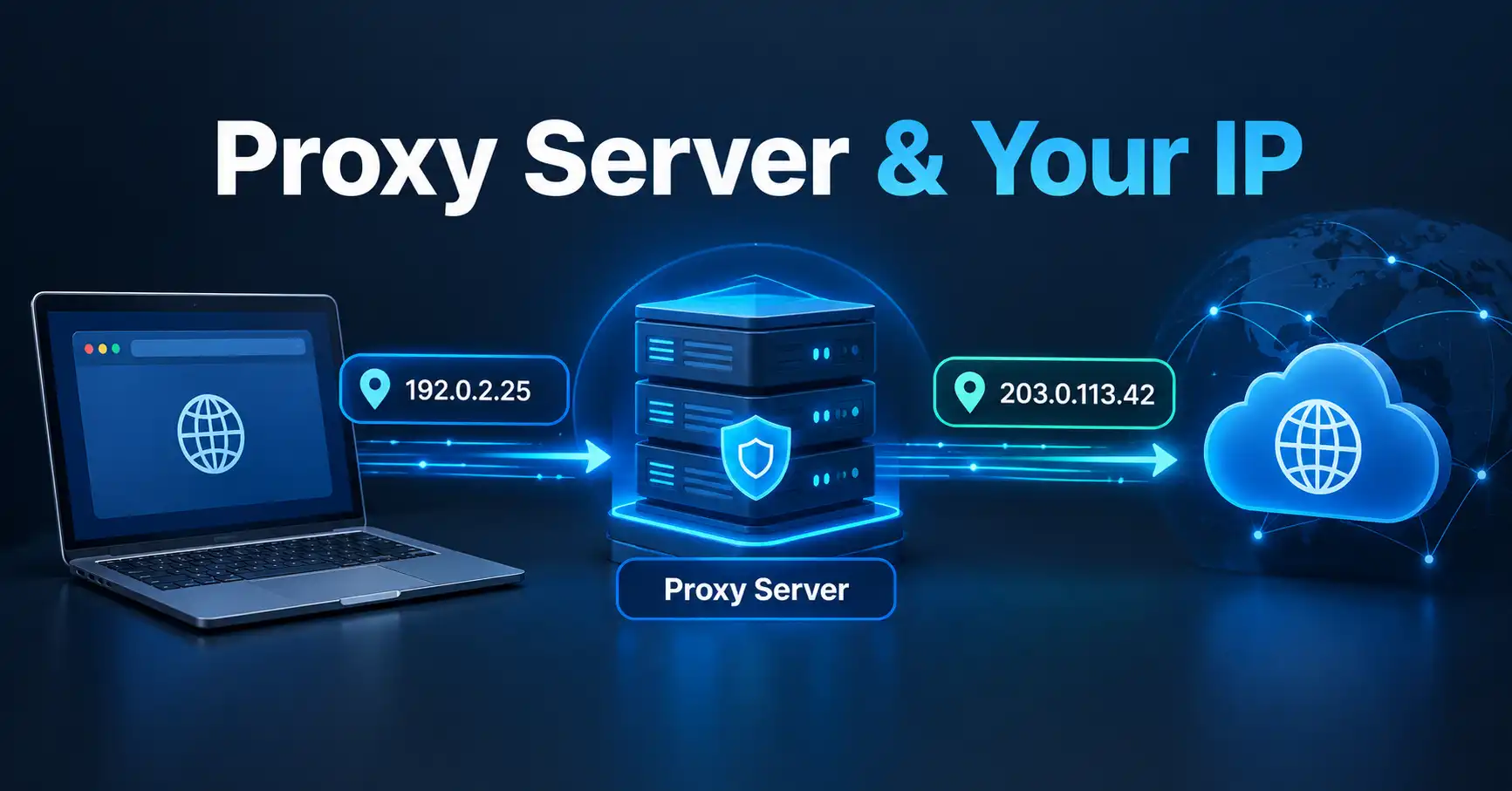
Yes. A proxy can sit between your device and a destination service, causing the destination to see the proxy's address rather than your original address.
A simplified connection looks like this:
Your device → Proxy → Website
The exact behavior depends on the type of proxy and the application using it.
For example, a web browser configured to use an HTTP proxy may send web requests through that proxy, while other applications on the same computer may continue connecting directly.
That makes proxies different from VPNs. A VPN can route traffic from the device or network through its tunnel, while a proxy may apply only to particular applications or protocols.
If you only need to change the IP visible to a specific web service, a proxy can sometimes be useful. For broader traffic protection, you need to understand exactly what the VPN or proxy is routing.
What About Tor?
Tor routes traffic through multiple relays rather than sending the connection directly to the destination.
For websites that receive traffic through the Tor network, the destination generally sees the IP address of the Tor exit relay rather than your normal public IP.
Tor can provide a different privacy model from a conventional VPN, but it can also introduce slower connections, compatibility issues, and restrictions on some websites.
The important point is that Tor, a VPN, and a proxy are different technologies. They should not be treated as interchangeable tools.
How to Change Your Private IP Address
If your goal is to change the IP address assigned to your computer or phone inside your home network, the process is different.
Most home networks use DHCP to automatically provide devices with network configuration. DHCP was designed to allow network addresses and other configuration information to be allocated automatically.
On many networks, restarting the device or reconnecting to Wi-Fi can result in a different private IP address, although the router may assign the same address again.
Windows
To request a new local IPv4 address from DHCP, you can open Command Prompt and use:
ipconfig /release
ipconfig /renew
This affects the device's local network configuration. It does not guarantee that your public IP address will change.
If your computer previously had:
192.168.1.25
it might receive another private address such as:
192.168.1.26
while your router continues using the same public IP on the Internet.
macOS, Linux, Android, and iPhone
The exact controls differ between operating systems and device manufacturers. In most cases, disconnecting and reconnecting to the network can cause the device to request network configuration again.
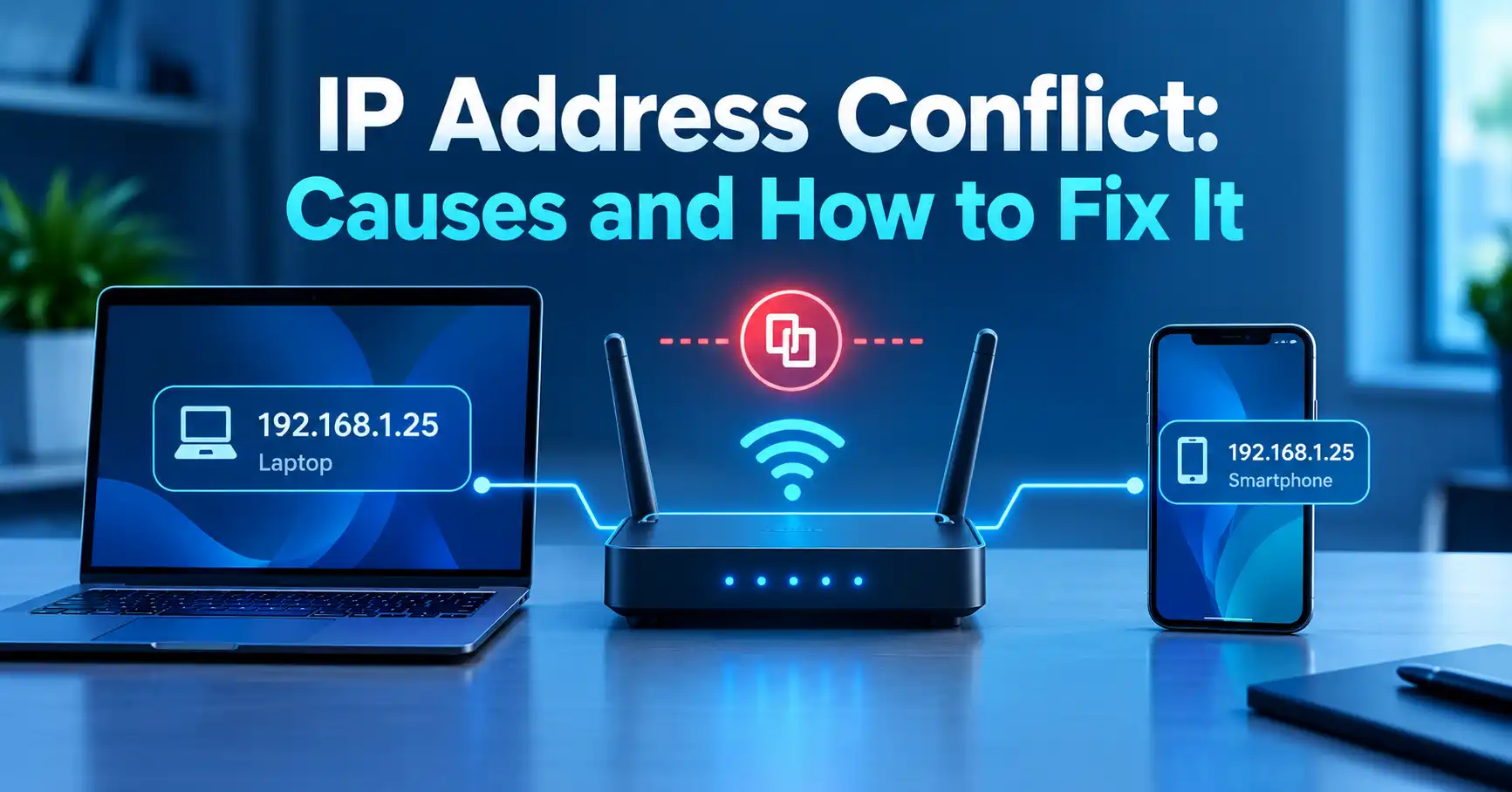
Some devices also allow manual network configuration, but manually changing an IP address without understanding the network can create connectivity problems or IP conflicts.
For most home users, automatic DHCP configuration is the safer option.
Why Restarting Your Router Doesn't Always Change Your IP
A common misconception is that turning a router off and on automatically gives you a new public IP.
It doesn't.
Your ISP determines how your connection receives its public address. Some connections use dynamic addressing, but "dynamic" does not mean the address must change every time you reconnect.
Your ISP may assign the same address again.
Some providers also use Carrier-Grade NAT (CGN), where multiple customers can share public IPv4 addresses. The IETF defines a dedicated shared address space for this type of ISP-level deployment.
This means the address you see on your router may not always be the same address that an external website sees.
How to Check Whether Your IP Address Changed
The easiest way to verify a public IP change is to check the address before and after making the change.
- Check your current public IP.
- Write it down or copy it.
- Restart your router, switch networks, or connect to a VPN.
- Check your public IP again.
- Compare the two addresses.
You can use the MiniToolsPro IP address checker to see the public IP currently associated with your connection.
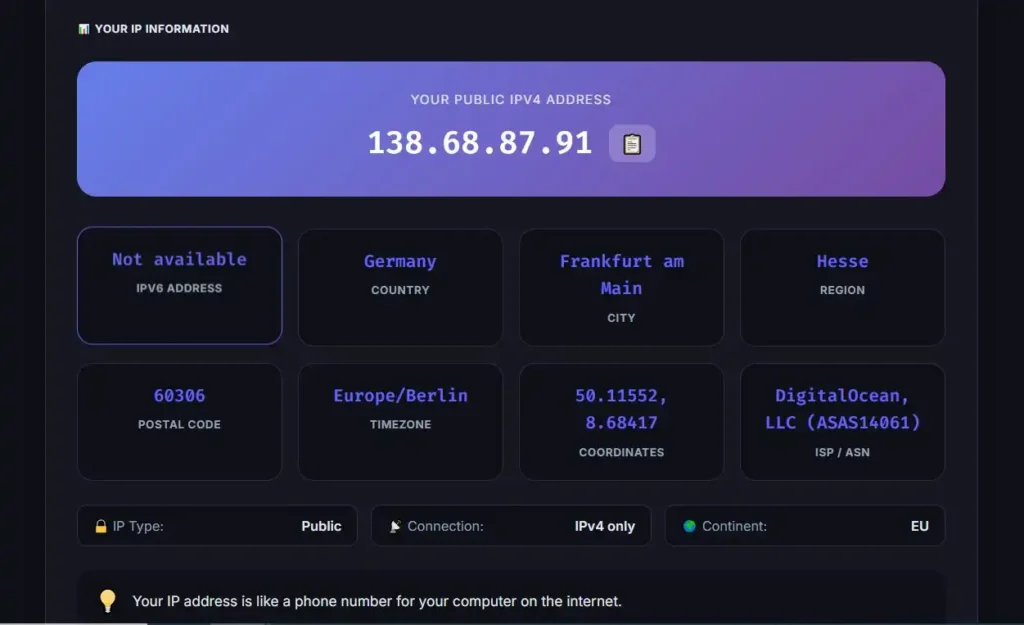
If the address is identical, the method you used did not change the public IP visible from that connection.
How to Hide Your IP Address From Websites
If your actual goal is privacy rather than simply obtaining a new ISP address, the practical options are different.
VPN
A VPN can route your traffic through another server so websites generally see the VPN server's IP.
Proxy
A proxy can route supported application traffic through another server, which may cause websites to see the proxy's IP instead.
Tor
Tor routes traffic through the Tor network and normally presents the destination with the IP address of the exit relay.
Another Internet Connection
Switching from your home Wi-Fi to mobile data or another network can also change the public IP presented to websites.
None of these options should be treated as a guarantee of complete anonymity.
Does Changing Your IP Make You Anonymous?
No.
Changing or hiding an IP address can reduce the amount of information a website learns directly from your network connection, but an IP address is only one part of online identification and tracking.
A website may still recognize you through:
- Your account login
- Cookies
- Browser storage
- Device or browser characteristics
- Information you submit
- Previous sessions
- Other network or application signals
An IP address also does not automatically reveal your exact home address or precise physical location. IP-based geolocation is an estimate that can associate an address with a country, region, city, ISP, or organization, but the accuracy varies.
For that reason, changing your IP should be viewed as one privacy measure, not a complete anonymity solution.
What Is the Difference Between Changing and Hiding an IP?
The two terms are often used interchangeably, but they describe different things.
Changing your IP means your connection is using a different IP address. For example, your ISP may assign a different public address after a network change.
Hiding your IP usually means preventing a website or online service from seeing your normal public IP by routing traffic through another network, such as a VPN, proxy, or Tor.
A VPN is therefore better described as an IP-masking method than as a way to permanently change the IP address assigned to your home Internet connection.
Can You Change Your IP Address Without a VPN?
Yes.
A VPN is not required to obtain a different public IP.
You can potentially get a different public IP by:
- Restarting your router
- Reconnecting your Internet service
- Switching to another network
- Using mobile data
- Asking your ISP about changing the address
The important limitation is that you cannot control the exact public IP your ISP assigns unless your service gives you that level of control.
If your objective is specifically to make websites see a different IP, a VPN or proxy may be more appropriate.
What If Your IP Address Is Not Changing?
If you have tried restarting your router and the public IP remains the same, that does not necessarily indicate a problem.
Possible explanations include:
- Your ISP is assigning the same dynamic address again.
- Your connection uses a long-lasting address assignment.
- Your ISP uses Carrier-Grade NAT.
- Your router is behind another router or gateway.
- You are checking your private IP instead of your public IP.
- The method you used only changed the local network address.
First determine which address you are actually checking.
If you want to know what the Internet sees, check your public IP using an external IP lookup tool. If you want to troubleshoot your home network, check the private IP assigned to your device or router.
Common Mistakes to Avoid
Changing the private IP and expecting websites to see a different address
A private address such as 192.168.1.10 is normally used only within your local network. Changing it does not necessarily change the public IP used to reach websites.
Assuming a router restart guarantees a new IP
Your ISP may assign the same public address again.
Assuming a VPN makes you completely anonymous
A VPN changes the network path and the IP visible to many destinations, but it does not eliminate other forms of identification or tracking.
Confusing IP address with MAC address
An IP address is used for network communication and routing. A MAC address is associated with a network interface at the local network level. They serve different purposes.
Assuming your IP reveals your exact location
IP geolocation is generally an estimate rather than a precise GPS-style location.
Which Method Should You Use?
The right method depends on what you are trying to accomplish.
| Your goal | Method to consider |
|---|---|
| Get a different public IP | Switch networks or contact your ISP |
| Try to obtain a new ISP-assigned IP | Restart/reconnect your router |
| Make websites see another IP | VPN |
| Route a specific application's traffic through another server | Proxy |
| Change your local network IP | DHCP reconnect/renew |
| Check whether your public IP changed | IP lookup tool |
| Improve privacy from direct IP exposure | VPN, proxy, or Tor depending on the situation |
If you are unsure which type of IP you currently have, start with the complete guide to IP addresses. It explains public and private addresses, IPv4 and IPv6, and how IP addressing works.
Frequently Asked Questions
Can I change my IP address by restarting my router?
Sometimes. A router restart can cause your ISP to assign a different public IP, but there is no guarantee. Your ISP may give your connection the same address again.
How do I change my IP address without a VPN?
You can try restarting or reconnecting your router, switching to another Internet connection, using mobile data, or contacting your ISP. These methods can change your public IP, but the result depends on the network.
Does a VPN permanently change my IP address?
No. A VPN normally changes the IP address that websites see while your traffic is routed through the VPN. It does not necessarily change the public IP assigned to your underlying Internet connection.
Can someone find my exact location from my IP address?
Generally, no. An IP address can be associated with an approximate geographic location, ISP, or organization, but it does not normally provide an exact home address or GPS coordinates.
How can I check whether my IP address changed?
Check your public IP before and after making a network change, then compare the results. You can use the MiniToolsPro What Is My IP Address tool to check the public IP visible from your current connection.
Final Takeaway
There are several ways to change or hide an IP address, but the best option depends on what you actually want to accomplish.
If you simply want to try to get a different public IP, restarting your router, reconnecting your service, switching networks, or contacting your ISP may help. If you want websites to see a different IP while you remain on the same Internet connection, a VPN or proxy is generally the more relevant approach.
Just remember that changing an IP address does not automatically make you anonymous. Your IP is only one part of your online identity and privacy.
Share this article 👇
0 Comments