
Table of Contents
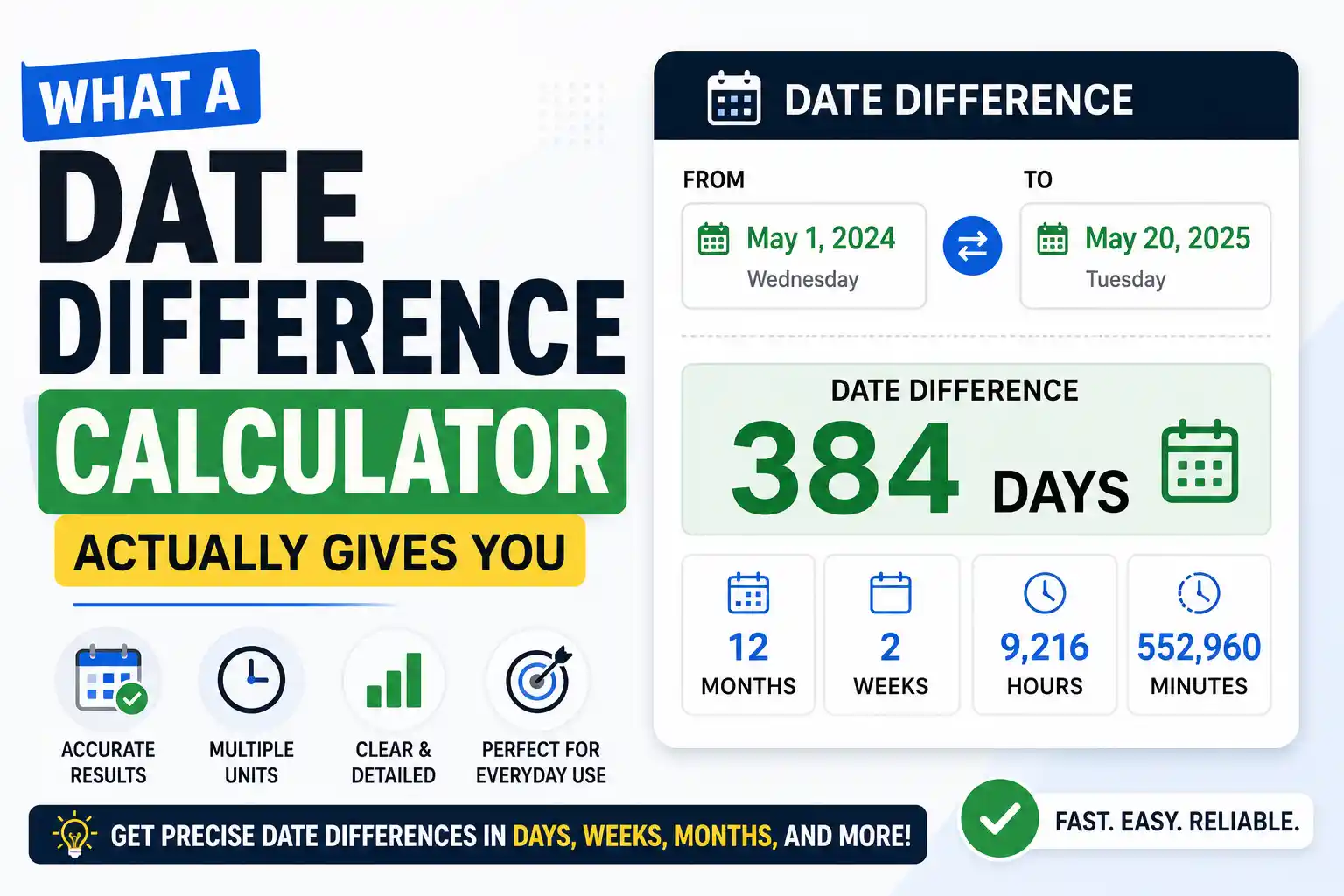
A date difference calculator takes two calendar dates and tells you exactly how much time sits between them — in years, months, and days. You don't need to mentally juggle month lengths or wonder whether that February was a leap year. Whether you're figuring out someone's exact age, counting down to an anniversary, or confirming a deadline, the tool does the arithmetic that calendars make unnecessarily hard. The result is a date difference you can trust without double-checking on your fingers.
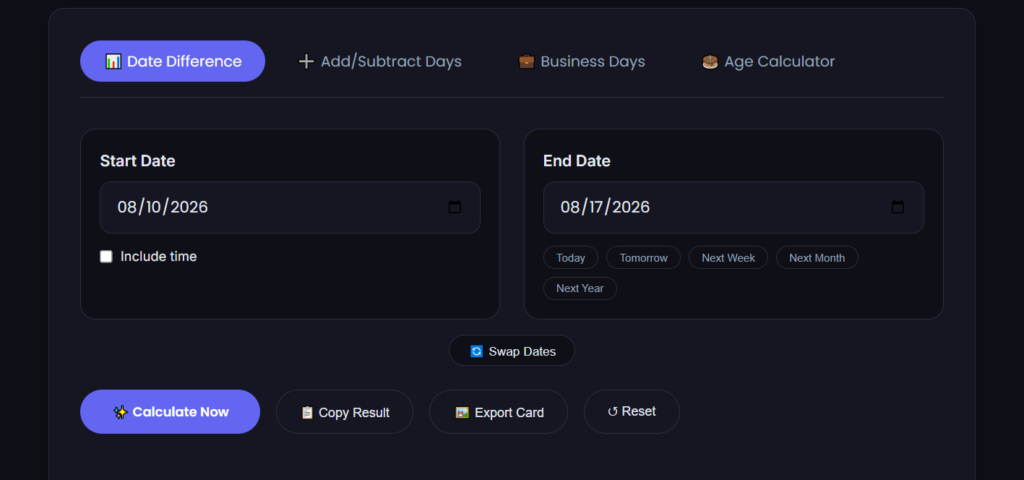
Our date-to-date calculator handles this instantly and shows the gap in multiple formats. If you need a precise age calculation, our age calculator does the same thing tailored specifically for birthdates. And for counting years together, the anniversary calculator tells you exactly how many years and days have passed since a wedding, work start date, or any milestone that matters.
Why Manual Date Difference Calculations Go Wrong
Subtracting one date from another sounds simple until you try it without help. January has 31 days, April has 30, February has 28 except when it has 29. Crossing a year boundary adds another layer — do you count the end year as a full year or partial? A date difference calculator handles all of this automatically, so you never have to pause and recall which month has how many days.
An excel date difference formula can also do the job inside a spreadsheet, but only if you know which function to use and how it counts. The DATEDIF function calculates the gap between two dates, yet it's famously undocumented in modern Excel versions and behaves differently depending on whether you ask for years, months, or days. Outside of a spreadsheet, most people are left counting on a physical calendar and hoping they didn't skip a month boundary somewhere in the middle. That's where a dedicated date difference calculator saves you from the guesswork.
A date difference calculator removes every one of those friction points. It knows the month lengths. It checks the leap year status automatically. It handles year boundaries without extra steps. And it presents the gap three ways at once — total days, or broken into years, months, and remaining days — so you don't have to run separate calculations for different formats.
Worked Example: Exact Age Calculation
Let's say someone was born on 15 March 1994, and today's date is 11 August 2026. You want their exact age in years, months, and days — not an approximation, but the precise date difference.
Here's the step-by-step breakdown:
- Full years: From 15 March 1994 to 15 March 2026 is exactly 32 years.
- Remaining months: From 15 March 2026 to 11 August 2026 — that's March to August, but not yet a full month into August since we haven't reached the 15th. Count the full months: March 15 to April 15 (1), April 15 to May 15 (2), May 15 to June 15 (3), June 15 to July 15 (4). So 4 full months.
- Remaining days: From 15 July 2026 to 11 August 2026. July has 31 days, so from July 15 to July 31 is 16 days, plus 11 days into August gives 27 days total — but wait, we only count days not forming a full month, so it's 27 days.
The result: 32 years, 4 months, and 27 days. That's the exact age on 11 August 2026.
Try those same dates in our date difference calculator and you'll get the same breakdown in under a second — no mental month-length recall, no leap year check, and no risk of the off-by-one errors that manual counting introduces. The tool also shows the total in pure days (11,837 days) and weeks (1,691 weeks), which is handy for contexts where you need a single clean number rather than a years-months-days split.
When You Need a Date Difference for Deadlines
Deadlines don't care about month lengths either, but missing one by a day because you miscounted can have real consequences. Contract filing dates, grant application windows, statutory response periods — they all run on calendar days, and they all expect you to get the count right. A date difference calculation that tells you "47 days from now" lands on a specific calendar date. Knowing that date means you can plan around weekends and holidays instead of being surprised when day 47 turns out to be a Sunday and the deadline was actually the Friday before.
This works in reverse too. If you know the deadline date and today's date, the calculator tells you exactly how many days you have left. That number drives project timelines, resource allocation, and whether you need to expedite something or have breathing room. Having the date difference expressed in both total days and weeks-plus-days makes it easy to slot into whatever planning format you're already using.
Anniversaries: More Than Just Weddings
An anniversary is simply a date difference measured from a past milestone to today. Weddings are the obvious example, but the same logic applies to work anniversaries, business founding dates, sobriety milestones, and the day someone started a long-term project. The calculation is identical — it's the context that changes.
Counting the years and days since a milestone gives you a number that matters for different reasons. A 10-year work anniversary might trigger additional leave benefits. A 5-year business anniversary might be a marketing opportunity. A 1-year milestone on a personal goal deserves recognition. The date difference calculator gives you that exact count so you're not approximating or guessing. Our anniversary calculator is built specifically for this use case if you want a tool tuned for counting up from milestone dates.

Excel Date Difference: When Spreadsheets Make Sense
If you're working with a list of dates — employee start dates, customer signup dates, invoice due dates — running each one through a web calculator individually gets tedious. That's where an excel date difference formula earns its place. Excel's DATEDIF function takes a start date, an end date, and a unit ("Y" for years, "M" for months, "D" for days) and returns the gap. You write it once per column and drag it down across hundreds of rows.
But DATEDIF has quirks. It's not listed in the function wizard, so you have to know it exists and type it manually. It counts completed units, not rounded ones — DATEDIF with "Y" between 31 December 2025 and 1 January 2026 returns 0 years, not 1, because a full year hasn't completed. For one-off calculations, a web-based date difference calculator is faster and less likely to produce a formula error because of a typo or unit mismatch. For bulk data, Excel is the right tool, and knowing both methods means you can spot-check Excel results against the calculator when accuracy matters.
Related Date Calculation Guides
Date calculations can be used for many different purposes, from finding the number of days between two dates to calculating business days and understanding how date calculators work. Learn how to find dates and calculate date differences, explore our guide to calculating dates between two dates, or see what a two-dates calculator actually does.
For more specific calculations, learn how to find the days between two dates, understand date differences, or calculate business days. You can also explore our Date-to-Date Calculation Guide for a broader explanation of date-based calculations.
FAQ
How does a date difference calculator work?
A date difference calculator converts both dates into a total day count from a fixed reference point, subtracts the smaller from the larger, then converts that total back into years, months, and days based on actual calendar month lengths and leap year rules. The conversion step is where the complexity lives — it accounts for varying month lengths and correctly handles February across leap years. The whole process takes milliseconds, which is why the result appears instantly even across multi-decade spans.
What's the difference between total days and years-months-days?
Total days is the raw date difference — a single number that's useful for calculations where you need a precise duration, like interest accrual or countdown logic. The years-months-days breakdown is better for human-readable contexts like age, tenure, or how long until an anniversary. Both come from the same calculation; they're just presented differently. A good calculator shows both so you don't have to pick one and convert manually.
Can I use this instead of the DATEDIF function in Excel?
Yes, for individual date pairs, a date difference calculator is faster and avoids formula syntax errors. For bulk calculations across dozens or hundreds of rows, the excel date difference function (DATEDIF) is more efficient. Many people use both — the calculator to get a quick answer or to verify that their spreadsheet formula is returning correct results, especially around leap year dates and month boundaries where DATEDIF occasionally returns unexpected values.
One Tool, Three Use Cases, Zero Counting Errors
A date difference calculator answers the same core question — how much time sits between two dates — whether you're calculating someone's age, counting up to an anniversary, or counting down to a deadline. The arithmetic doesn't change, but the reason you need it does. Having a free tool that handles all three without making you account for month lengths, leap years, or inclusive-versus-exclusive counting conventions means you get the right number every time, in whatever format your situation calls for.
For a broader look at how these calculations fit together across different tools and scenarios, read our main guide to date calculators for more examples and common edge cases.
Why Calendar Months Have Different Lengths
The reason a date difference calculation isn't as simple as subtracting one number from another comes down to the Gregorian calendar itself. Months range from 28 to 31 days with no consistent pattern — a legacy of Roman calendar reforms and imperial decisions that stuck. The Wikipedia entry on the Gregorian calendar explains how the month lengths and leap year rules we still use today came together in 1582, and why February drew the short straw.
If you ever need to quickly verify a single date difference — like checking whether your manual count got the days-in-February right for a leap year — a Google search like "days between 15 March 1994 and 11 August 2026" gives you an instant spot check. It's not a replacement for a dedicated calculator when you need the full years-months-days breakdown, but it's a fast way to confirm the total day count looks right.
Share this article 👇
0 Comments