
Table of Contents
What Does My IP Address Reveal About You?
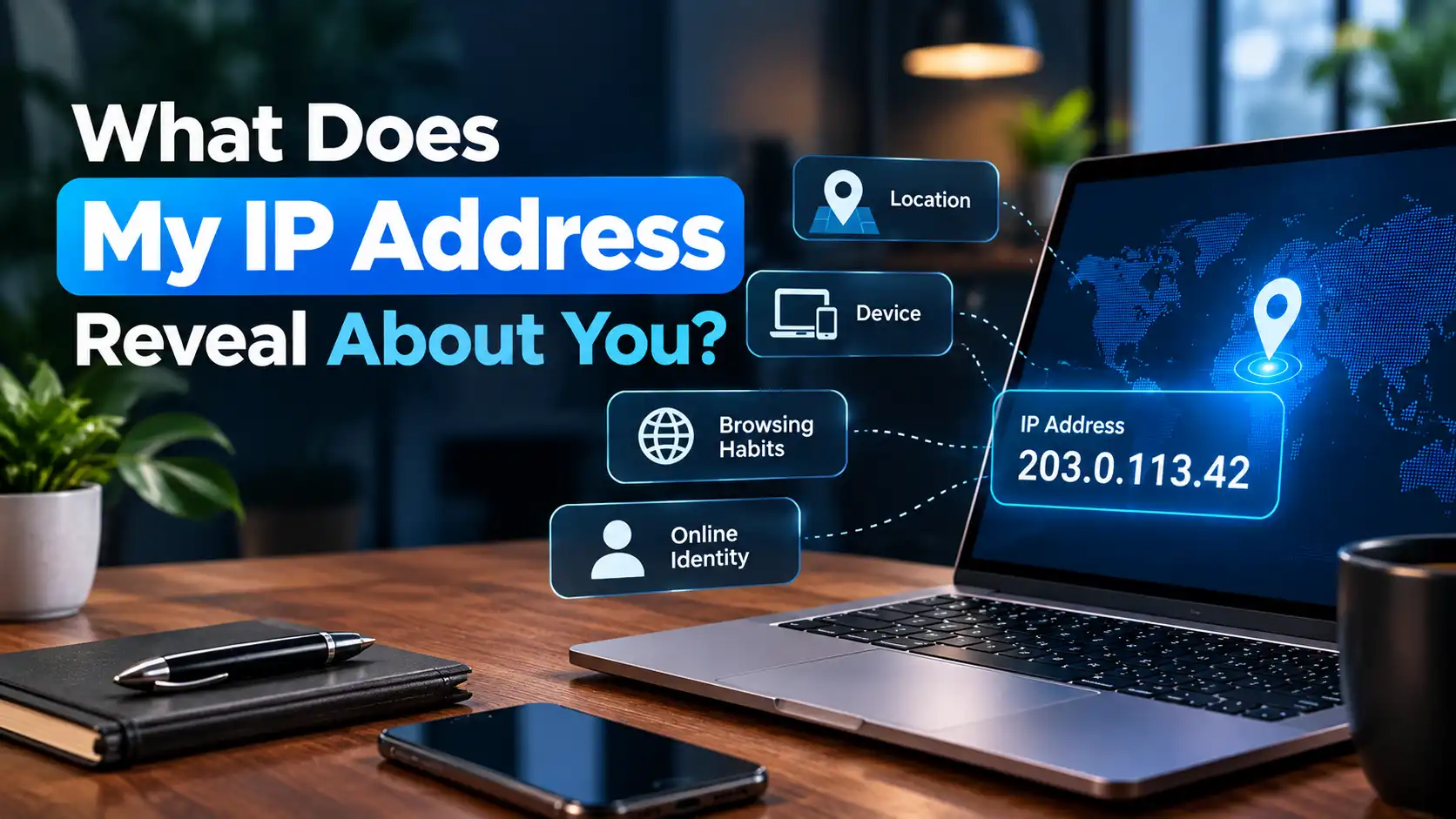
Your IP address can reveal information about your internet connection, such as your approximate geographic region, internet service provider (ISP), and network organization. It does not, by itself, reveal your exact home address, GPS location, name, or identity.
That distinction matters. An IP address is useful for identifying and routing network traffic, but it is not a complete digital identity.
What Can Your IP Address Reveal?
When a website or online service sees your public IP address, it can use IP-related databases and network information to infer several things about your connection.
Depending on the IP address and the available data, this can include:
- Your approximate country
- A possible region or state
- An estimated city
- Your ISP or network provider
- The organization associated with the network
- Your network or autonomous system information
- Whether the address appears to belong to a VPN, proxy, or other anonymizing service
- Information about whether the IP is associated with a residential, business, mobile, or other type of connection
The amount of information available varies by IP address and by the database or service being used. IP intelligence providers commonly offer country, region, city, ISP or organization, network, and anonymizer information, among other data points.
1. Your Approximate Location
One of the most visible pieces of information associated with an IP address is an estimated geographic location.
An IP lookup may associate your public IP with a:
- Country
- Region or state
- City
- Postal area
- Approximate latitude and longitude
However, IP geolocation is not the same as GPS location.
Geolocation databases estimate where an IP address is being used based on network and other available information. Accuracy varies considerably between networks, countries, connection types, and IP addresses. Mobile networks, VPNs, proxies, corporate networks, and other infrastructure can make the result less precise.
An IP address therefore should not be treated as a precise map pin for a person or home.
Can an IP Address Reveal Your Exact Home Address?
No. An IP address alone does not normally reveal your exact street address or house location.
IP geolocation can provide an approximate geographic area, but reputable geolocation providers explicitly warn that their data is not precise enough to reliably identify a particular household, individual, or street address.
For example, an IP lookup might place an address in a particular city even when the person using it is actually in a nearby town. Some IP addresses may also be associated with a larger metropolitan area because of how the network is operated or how geolocation databases represent uncertain locations.
This is one reason an IP location result can sometimes appear to be “wrong.”
2. Your Internet Service Provider
Your public IP address can often be associated with the ISP or network operator that provides the connection.
For example, an IP lookup may identify a network belonging to a telecommunications company, broadband provider, mobile carrier, university, business, or hosting provider.
This does not necessarily identify the individual using the connection.
An ISP may assign public IP addresses to many customers, and the same network infrastructure can serve a large geographic area.
3. Your Network or Organization
Some IP addresses are associated with organizations rather than individual residential customers.
For example, an IP could belong to:
- A company
- University
- Government organization
- Data center
- Cloud provider
- Hosting company
- Mobile carrier
- Internet service provider
IP intelligence services can associate addresses with network and autonomous-system information, which helps identify the organization operating or announcing the network.
This can provide useful context about where internet traffic is coming from without revealing the identity of the person behind it.
4. Whether You May Be Using a VPN or Proxy
An IP address can sometimes be identified as belonging to a VPN, proxy, or other anonymizing service.
This changes what a website sees.
For example:
Without a VPN:
Your device → ISP → Website
The website generally sees the public IP associated with your internet connection.
With a VPN:
Your device → VPN server → Website
The website generally sees the VPN server's public IP instead of the public IP used by your device's normal internet connection.
As a result, an IP lookup may associate the connection with the VPN server's geographic location rather than the user's actual location.
A VPN can therefore change the IP address presented to websites, but that does not mean every other form of online identification disappears.
5. Information About Your Network, Not Your Whole Device
An important distinction is that an IP address identifies a network endpoint for communication. It does not automatically expose everything stored on your computer or phone.
An IP address alone does not normally tell a website:
- Your name
- Your password
- Your photos
- Your files
- Your exact GPS coordinates
- Your complete browsing history
- Your device's private IP address
- Your MAC address
Additional information may become available through other technologies, accounts, cookies, browser characteristics, applications, or information that you voluntarily provide.
An IP address is therefore only one piece of information in a much larger collection of online signals.
What Your IP Address Does Not Tell Someone by Itself
It is easy to overestimate what someone can discover from an IP address.
An IP address alone does not automatically reveal:
| Information | Revealed by IP alone? |
|---|---|
| Exact home address | No |
| Exact GPS coordinates | No |
| Your name | No |
| Your passwords | No |
| Your personal files | No |
| Your MAC address | No |
| Approximate geographic area | Often |
| ISP or network provider | Often |
| Network organization | Sometimes |
| Possible VPN/proxy usage | Sometimes |
The exact information available depends on the IP address, network, lookup database, and other technical signals.
What About Private IP Addresses?
If you see an address such as 192.168.1.20 on your home network, that is different from the public IP address visible to websites.
Private IPv4 address ranges include:
10.0.0.0to10.255.255.255172.16.0.0to172.31.255.255192.168.0.0to192.168.255.255
These ranges are reserved for private networks and are not publicly routable on the internet.
Your router can use a private IP to communicate with devices inside your home or office network while using a public-facing IP for internet communication.
That means a website normally does not see your computer's 192.168.x.x address.
Can Someone Track You With Your IP Address?
An IP address can be used to associate internet activity with a particular network or approximate geographic area, but the word “track” needs some qualification.
An IP address can help a website or service:
- Determine an approximate geographic region
- Recognize a network connection
- Apply location-based rules
- Detect unusual traffic
- Identify some VPN or proxy connections
- Associate multiple requests with the same public IP for a period of time
But an IP address does not automatically provide a person's exact physical location or identity.
A more accurate way to think about it is that an IP address provides network-level information, not a complete personal profile.
Does Your IP Address Create a Privacy Risk?
There can be privacy implications, particularly when your IP address is combined with other information.
For example, a website might associate your IP address with information you provide through an account, forms, purchases, or other interactions.
That combination can be considerably more informative than the IP address alone.
However, seeing your public IP address is not automatically evidence that your device has been hacked.
An IP address is a normal part of internet communication. Websites need network information to send data back to your connection.
The practical privacy question is therefore not simply “Can someone see my IP?” but rather what other information can be associated with it, how long is it retained, and how is it used?
How Can You Check What Your IP Address Reveals?
If you want to see the public IP address associated with your current internet connection, you can use the MiniToolsPro What Is My IP Address tool.
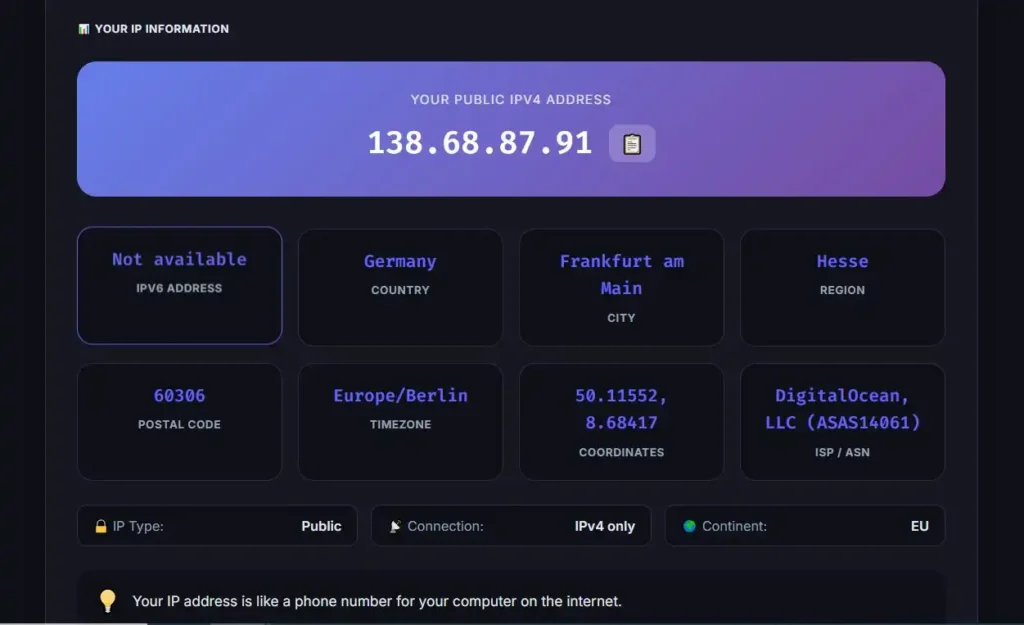
Once you know your public IP address, IP lookup services can provide additional information such as its approximate geographic association and network provider.
Remember that lookup results are estimates. Different databases can return different locations or network details for the same IP address.
How Can You Reduce IP-Based Exposure?
You cannot use the internet without network addressing, but you can control how your connection is presented to many websites.
Common approaches include:
Use a VPN
A VPN can route your internet traffic through another server, causing websites to see the VPN server's IP address instead of your normal public IP.
This can reduce direct IP-based exposure, but it does not make you completely anonymous.
Use a Proxy
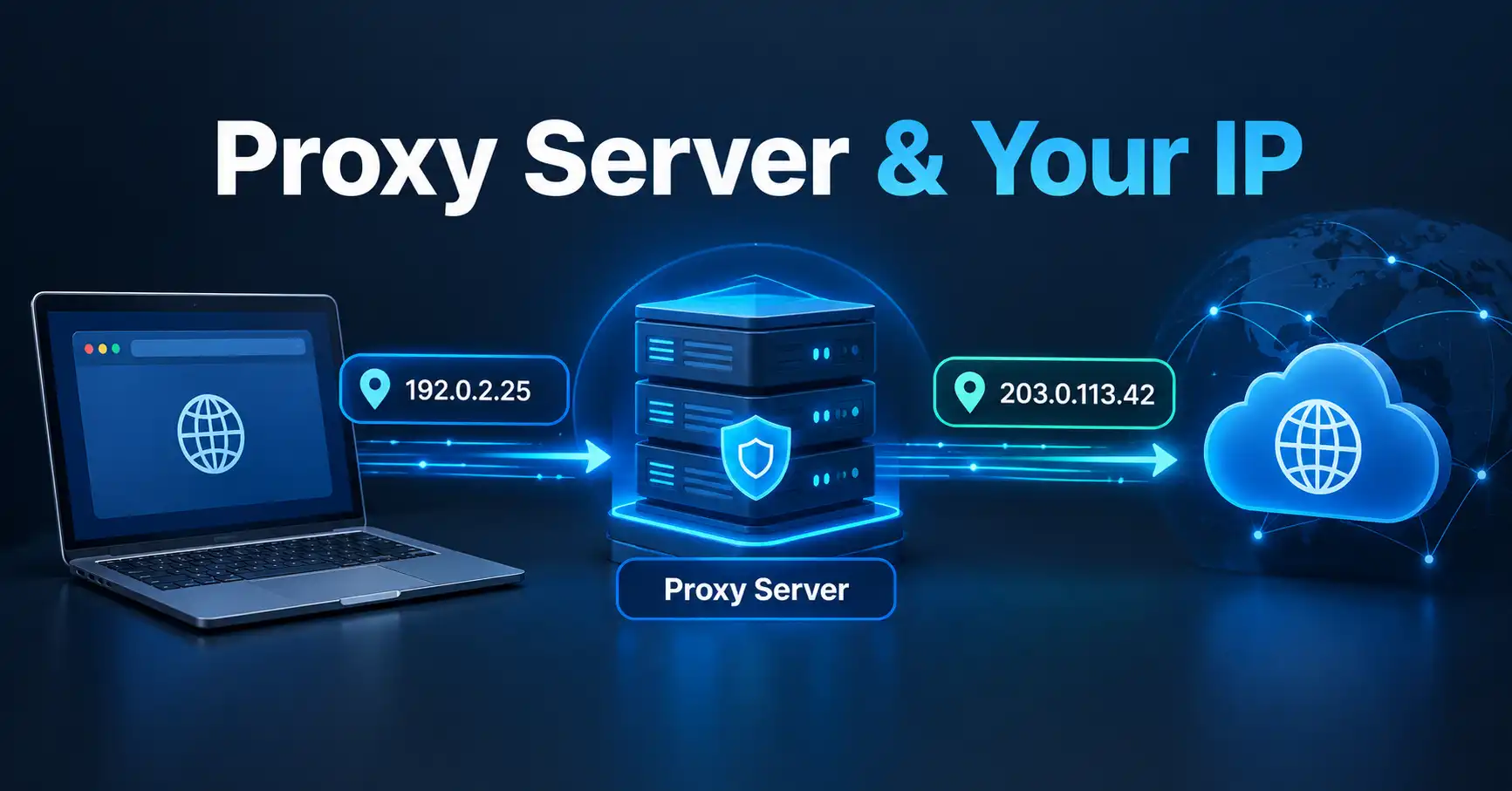
A proxy can also act as an intermediary between your device and a website. Depending on the type of proxy and how it is configured, the destination website may see the proxy's IP rather than your original address.
Be Careful With Other Identifying Information
Changing your IP does not erase information associated with an online account.
If you log into the same account, provide your name, submit identifying information, or allow other tracking mechanisms, those signals can still connect activity to you.
For a deeper explanation of the different ways IP addresses can be changed or hidden, see our guide to how to change or hide your IP address.
Common Misconceptions About IP Addresses
“An IP address reveals my exact location.”
Not necessarily. IP geolocation provides an estimate, and accuracy can vary substantially. It should not be treated as GPS or a precise street address.
“Anyone with my IP address can immediately hack my device.”
An IP address alone does not automatically provide access to your computer or phone. Security depends on many other factors, including exposed services, network configuration, software vulnerabilities, authentication, and other security controls.
“My IP address identifies me personally.”
An IP address identifies a network connection or endpoint. Connecting it to a particular person generally requires additional information.
“Changing my IP makes me anonymous.”
Changing the visible IP address can reduce one form of network-level identification, but it does not remove every other method of identifying or tracking online activity.
Frequently Asked Questions
What does my IP address reveal about me?
Your public IP address can reveal or be associated with information such as your approximate geographic region, ISP, network organization, and sometimes whether the address belongs to a VPN or proxy. It does not normally reveal your exact home address or identity by itself.
Can someone find my address from my IP?
An IP address can provide an approximate geographic location, but it does not normally reveal a person's exact street address. IP geolocation providers explicitly describe their data as unsuitable for reliably identifying individual households or street addresses.
Does an IP address reveal my name?
No. An IP address by itself does not normally contain your name. Identifying a particular person generally requires additional information or records that connect network activity to an individual.
Can websites see my IP address?
In normal internet communication, the destination service generally receives network information that allows it to send data back to your connection. The public IP visible to the service can then be used for network and approximate geolocation information.
Can a VPN hide my IP address?
A VPN can generally make websites see the VPN server's IP address instead of the public IP associated with your normal internet connection. However, a VPN does not guarantee complete anonymity because other identifying information and tracking mechanisms can still exist.
Final Takeaway
Your IP address reveals more about your network connection than it does about you personally.
A public IP can often be associated with an ISP, network organization, and approximate geographic area. It may also provide clues about VPN or proxy usage. What it generally does not provide by itself is your exact home address, precise GPS location, name, passwords, or personal files.
The most useful way to think about an IP address is as a network identifier that can provide contextual information, rather than a digital fingerprint containing your entire identity.
If you want to see your current public IP and understand the basic information associated with it, you can check your IP address with MiniToolsPro.
Share this article 👇
0 Comments