

Table of Contents
Calculate Discount Percentage:
To calculate a discount as a percentage, multiply the original price by the discount percentage expressed as a decimal. The formula is: Discount Amount = Original Price × (Discount Percentage ÷ 100). Then subtract that amount from the original price to get the sale price. For example, a 30% discount on an $80 item saves you $24, making the final price $56.
This guide walks through the entire process, shows you how to handle different discount scenarios, explains common mistakes that lead to incorrect totals, and offers a faster option when you don't want to do the math by hand.
Understanding Discount Percentages
A discount percentage tells you what portion of the original price is being removed. If a product has a 25% discount, the store is taking 25% off the original price. You'll pay the remaining 75%.
That's a useful shortcut worth remembering: instead of calculating the discount and subtracting it, you can calculate the percentage you'll actually pay. For a 25% discount, you pay 75% of the original price. For a 40% discount, you pay 60%. The two approaches give the same result, but sometimes one is faster depending on the numbers involved.
The Core Formula for Calculating a Discount
The standard approach uses two steps. Here's the formula for the discount amount:
Discount Amount = Original Price × (Discount Percentage ÷ 100)
Then calculate the final price:
Sale Price = Original Price − Discount Amount
You can also combine these into a single formula:
Sale Price = Original Price × (1 − Discount Percentage ÷ 100)
This second version is useful because it directly calculates what you'll pay. The expression inside the parentheses represents the percentage you're still paying after the discount is applied.
Step-by-Step Example: 35% Off a $120 Item
Let's work through a realistic example to see how the calculation works in practice.
Step 1: Write down the original price. In this case, $120.
Step 2: Convert the discount percentage to a decimal. Divide 35 by 100 to get 0.35.
Step 3: Multiply the original price by the decimal: 120 × 0.35 = 42. That's the discount amount.
Step 4: Subtract the discount from the original price: 120 − 42 = 78.
Answer: The sale price is $78. You save $42.
Using the shortcut method, you'd calculate what you pay: 100% − 35% = 65%. Then multiply: 120 × 0.65 = 78. Same result, fewer steps.
Calculating the Discount Rate When You Only Know the Prices
Sometimes you know the original price and the sale price, but not the discount percentage. Maybe a store tag shows both prices without stating the percentage off. You can calculate the discount percentage using this formula:
Discount Percentage = ((Original Price − Sale Price) ÷ Original Price) × 100
Example: A coat originally priced at $150 is now selling for $105.
Original Price − Sale Price = 150 − 105 = 45
Divide by the original price: 45 ÷ 150 = 0.30
Multiply by 100: 30%
The discount is 30% off. This is essentially the percentage change formula applied to a price reduction, which makes sense because a discount is really just a percentage decrease.
Handling Multiple or Stacked Discounts
Stores occasionally apply more than one discount to the same item. A common example is a sale price plus an additional coupon for a percentage off. Many people assume the discounts simply add together, but that's not how it works.
If an item is 20% off, and you have a coupon for an additional 10% off, the total discount isn't 30%. The second discount applies to the already-reduced price, not the original.
Example: Original price is $100. First discount: 20% off. That reduces the price to $80. The second discount is 10% off $80, which is $8. The final price is $72.
If the discounts simply added to 30%, you'd expect $70. But the actual final price is $72 because the second discount is calculated on a smaller base. The effective discount is 28%, not 30%.
When you see stacked discounts, calculate them one at a time, applying each percentage to the current price rather than the original.
Common Mistakes When Calculating Discounts
Forgetting to Convert the Percentage
The most frequent error is multiplying by the percentage directly without dividing by 100. If you multiply 30 × 80 to find 30% off $80, you'll get 2,400 instead of 24. Always convert the percentage to a decimal first.
Subtracting the Wrong Amount
Some people multiply the original price by the percentage you pay but then treat that result as the discount. For example, with a 30% discount on $80, the amount you pay is 80 × 0.70 = 56. That's the sale price, not the discount. The discount is 80 × 0.30 = 24. Make sure you know which number you've calculated.
Adding Stacked Discounts Incorrectly
As explained above, two 20% discounts don't equal 40% off. Each discount applies to the current price. Calculate sequentially to get the correct result.
Misplacing the Decimal Point
With discounts like 5% or 7.5%, it's easy to make a decimal error. Five percent is 0.05, not 0.5. Half a percent would be 0.005. Double-check your conversion when the percentage is small or includes a fraction.
Using the Sale Price as the Original Price
If you're comparing a sale price to a previous sale price, it's tempting to use the wrong starting point. The discount percentage always depends on the original price before the discount was applied. If you use the already-discounted price as your base, you'll calculate the wrong percentage.
Quick Mental Math for Common Discounts
You don't always need a calculator. A few benchmarks make it easy to estimate or calculate discounts in your head.
- 10% off: Move the decimal point one place to the left. Ten percent of $80 is $8.
- 20% off: Calculate 10% and double it. Twenty percent of $80 is $16.
- 25% off: Divide the price by 4. Twenty-five percent of $80 is $20.
- 50% off: Divide the price by 2. Fifty percent of $80 is $40.
- 75% off: Calculate 50% off, then take half of that remaining 50%. You'll pay a quarter of the original price.
For less common percentages, break them into friendly components. For 35% off, calculate 30% (three times 10%) plus 5% (half of 10%), then add those amounts together.
How Discounts Interact with Sales Tax
The order matters here. Sales tax applies to the sale price after the discount has been subtracted, not to the original price. If a $100 item is 25% off and sales tax is 8%, you calculate the discount first, then apply tax to the reduced amount.
Example: Original price = $100. Discount: 25%, which reduces the price to $75. Tax: 8% of $75 = $6. Final total: $81.
If you applied tax to the original price first and then subtracted the discount, you'd get a different — and incorrect — result. The discount comes off the pre-tax price.
When an Online Calculator Makes Sense
The manual method is straightforward for simple percentages. But discounts often involve awkward numbers — 17.5% off a price of $83.40, for example. Mental math becomes impractical, and even careful hand calculation leaves room for error.
In those situations, you can use the MiniToolsPro discount calculator to find the final price instantly. Enter the original price and the discount percentage, and the tool calculates both the discount amount and the sale price. You can also use it to work backward and determine the discount percentage when you know both prices.
If you're working with percentages more generally, you might also want to calculate a percentage of a number for other applications like tips, tax, or portion sizes.
Frequently Asked Questions
How do I calculate a discount percentage from the original and sale price?
Subtract the sale price from the original price, divide the result by the original price, and multiply by 100. For example, if a $200 item sells for $150, the discount is ((200 − 150) ÷ 200) × 100 = 25%.
What's the fastest way to calculate a 20% discount?
Multiply the original price by 0.20 to find the discount amount, or multiply by 0.80 to find the sale price directly. For quick mental math, find 10% by moving the decimal point one place left, then double it.
Do I add sales tax before or after a discount?
Sales tax is applied after the discount. Calculate the discount first, then add tax to the reduced price. The discount always comes off the pre-tax amount.
Can two discounts be added together?
No. Stacked discounts apply sequentially, each to the current reduced price, not the original. A 20% discount followed by an additional 10% discount results in an effective 28% discount, not 30%.
How do I reverse a discount to find the original price?
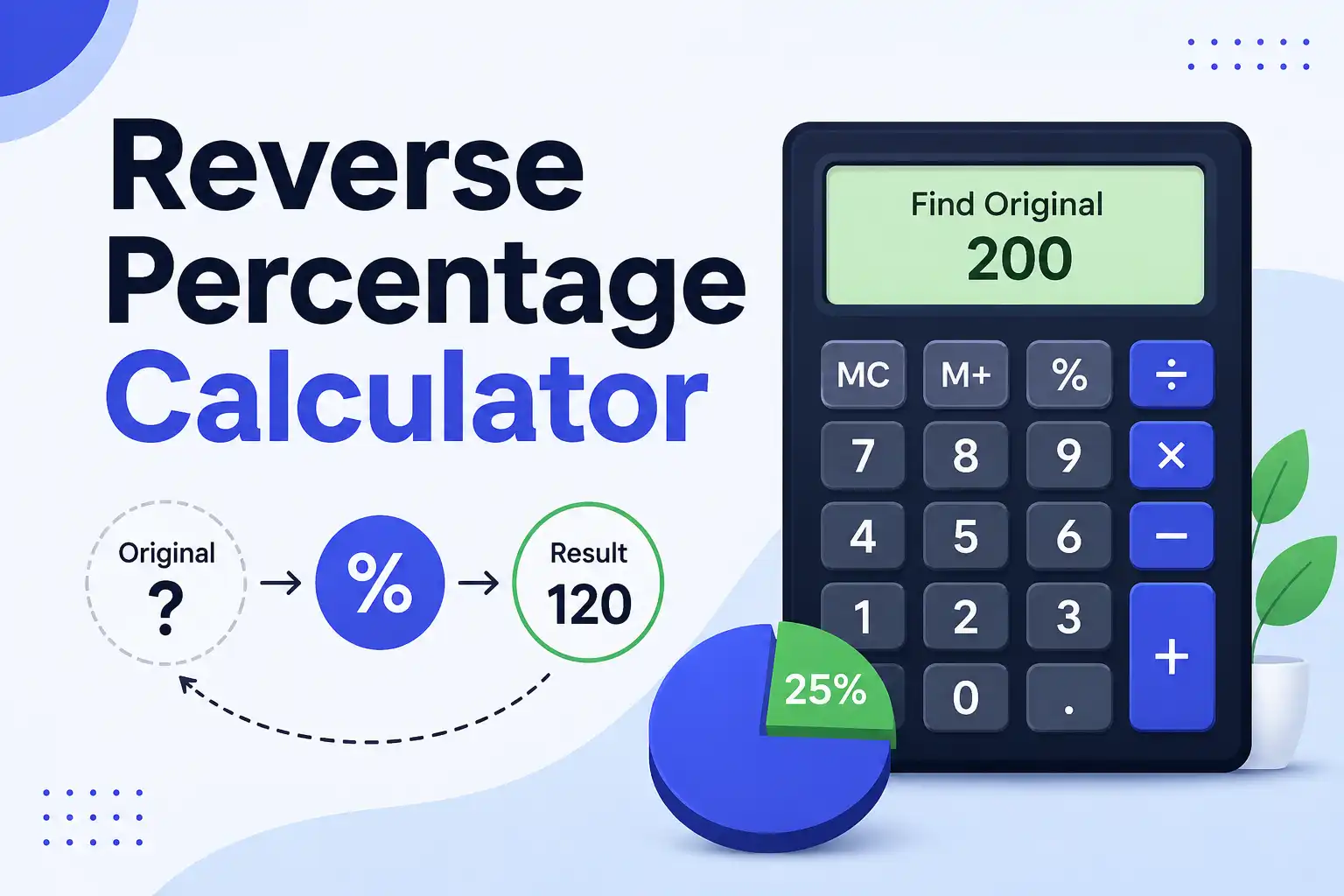
If you know the sale price and the discount percentage, divide the sale price by the percentage you actually paid. For example, if you paid $70 after a 30% discount, you paid 70% of the original price. Divide 70 by 0.70 to get $100 as the original price.
Putting the Formula to Work
Next time you see a percentage-off sign, you'll know exactly how to calculate the discount and the final price. Convert the percentage to a decimal, multiply by the original price to find the savings, and subtract. For stacked discounts, work through them one at a time. And when the numbers get messy or you need a quick answer while shopping, the MiniToolsPro discount calculator handles the math in seconds so you can make a confident purchasing decision.
Discounts are one of the most common everyday uses of percentages, but percentage calculations can also be useful for increases, decreases, comparisons, and finding what percentage one number represents of another. For a broader explanation of these calculations, see our Percentage Calculator: How to Calculate Percentages Easily, which brings the main percentage formulas and examples together in one place.
Share this article 👇
0 Comments