
Table of Contents
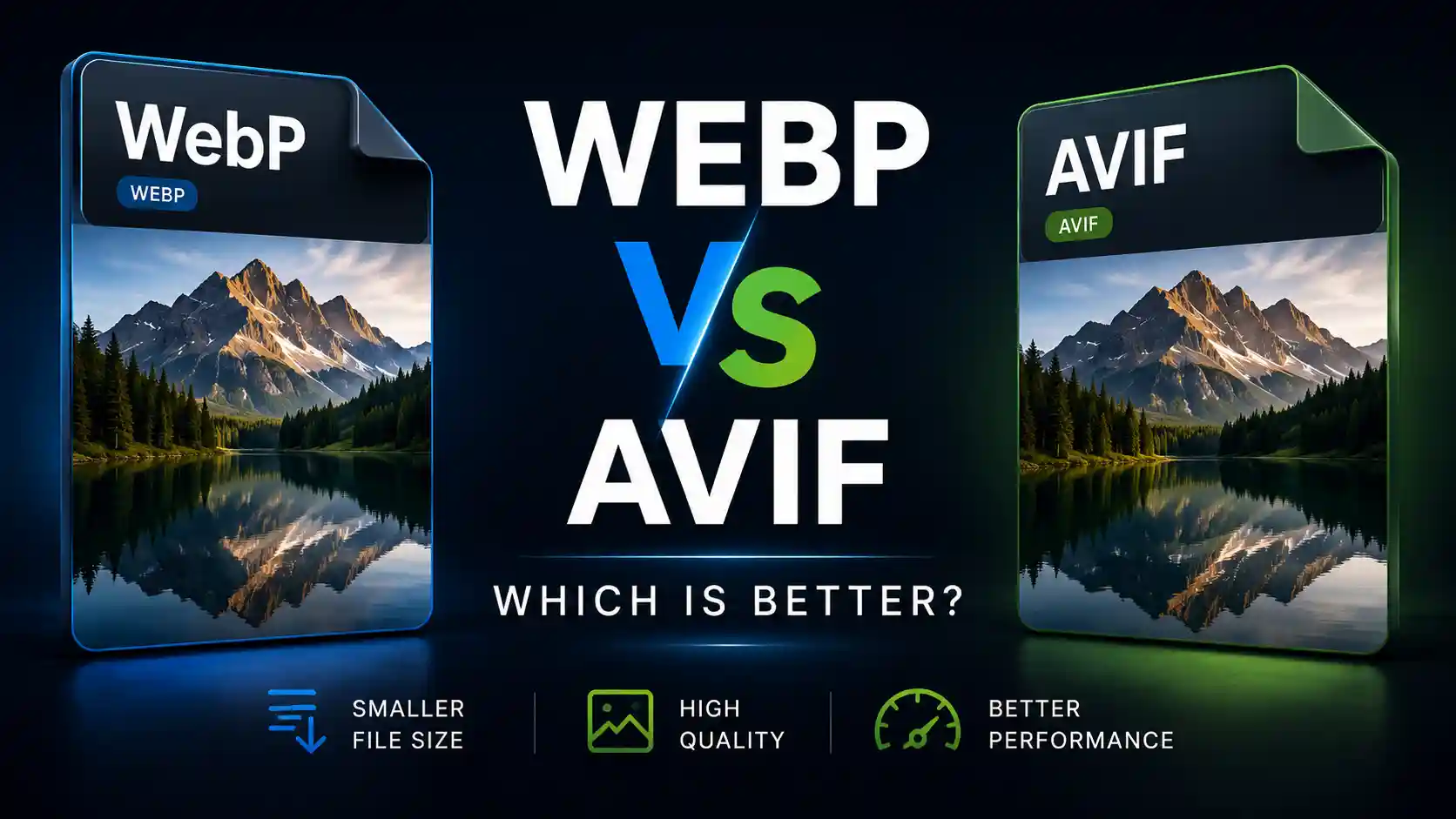
WebP vs AVIF compared
WebP has been the default recommendation for web images for several years. AVIF is the newer challenger that promises even smaller files at similar quality. The problem is that AVIF's advantages come with real trade-offs that aren't always obvious.
If you're optimizing images for a website, choosing between these two formats affects page load speed, bandwidth usage, and user experience. The right choice depends on your specific situation: your audience's browsers, your image volume, and your tolerance for encoding delays.
This guide compares WebP and AVIF across the factors that matter most in real-world use. If you need to convert images to either format, use the MiniToolsPro image converter to handle conversions quickly.
What Is WebP?
WebP is an image format developed by Google and released in 2010. It was designed to replace JPG and PNG on the web by offering better compression than both formats while maintaining comparable visual quality.
WebP supports both lossy and lossless compression. Lossy WebP uses techniques derived from the VP8 video codec to achieve smaller file sizes than JPG at equivalent quality. Lossless WebP typically produces files 26% smaller than PNG images with identical visual results.
WebP also supports transparency and animation, making it a versatile replacement for both JPG and PNG in most web contexts. Browser support has been universal across all major browsers since 2020.
What Is AVIF?
AVIF (AV1 Image File Format) is a newer image format based on the AV1 video codec. It was finalized in 2019 by the Alliance for Open Media, a consortium that includes Google, Microsoft, Apple, Amazon, Netflix, and other technology companies.
AVIF uses significantly more advanced compression techniques than WebP. The AV1 codec was designed to deliver higher compression efficiency than older codecs like VP8 and VP9. In practical terms, AVIF images are often 30-50% smaller than equivalent WebP images at the same visual quality.
AVIF also supports lossy and lossless compression, transparency, animation, HDR content, and higher bit depth than WebP. These capabilities make AVIF technically superior in almost every dimension except one: encoding speed.
Key Differences Between WebP and AVIF
The differences between WebP and AVIF fall into three main categories: compression efficiency, compatibility, and processing speed. Understanding these differences will help you determine which format is right for your situation.
Compression efficiency is AVIF's strongest advantage. The AV1 codec achieves better compression than VP8-based WebP across almost all image types. This means smaller files at equivalent visual quality, which translates directly to faster page loads.
Compatibility currently favors WebP. While all major browsers now support both formats, WebP has been supported longer and works with more third-party tools, CDNs, and image optimization services.
Processing speed dramatically favors WebP. AVIF encoding is significantly slower—often several times slower than WebP encoding. This matters when you're processing large batches of images.
WebP
AVIF
File Size and Compression Comparison
AVIF's compression advantage is its primary selling point. The AV1 codec was designed to outperform older codecs, and it delivers on that promise in most scenarios.
For photographic images, AVIF typically produces files that are 30-50% smaller than WebP at equivalent quality settings. This means a 100 KB WebP photograph might become a 50-70 KB AVIF file with no visible quality difference. Across a website with hundreds of images, this adds up to significant bandwidth savings.
For graphics and images with text, the difference is smaller but still meaningful. AVIF tends to preserve sharp edges and text better than WebP at the same file size, or achieve the same quality with smaller files.
The compression advantage varies depending on the image content and the encoder settings used. Images with complex textures and gradients typically see the largest file size reductions with AVIF.
Image Quality Comparison
At equivalent file sizes, AVIF generally produces better visual quality than WebP. This is most noticeable in areas with fine detail, subtle color gradients, or text.
AVIF's more advanced compression techniques preserve detail that WebP's older algorithms tend to smooth over. This is especially visible in photographic images with fine textures like hair, foliage, or fabric patterns.
The quality difference becomes more pronounced at lower quality settings. When you compress aggressively to achieve very small file sizes, AVIF retains more usable detail than WebP at the same file size.
At high quality settings, the differences between WebP and AVIF become less noticeable to most users. Both formats can produce visually lossless results when quality is prioritized.
Browser and Tool Support
Browser support for AVIF has improved significantly. As of 2024, Chrome, Firefox, Safari, and Edge all support AVIF across desktop and mobile platforms. This marks a major milestone, as Safari was the last major browser to add AVIF support.
However, browser support is not the whole story. Tool and platform support still lags behind WebP. Many image editing applications, content management systems, and CDN services either lack AVIF support or handle it inconsistently.
WebP enjoys broader ecosystem support. WordPress has supported WebP natively since version 5.8. Most image optimization plugins and services can generate WebP images automatically. AVIF support in these tools is growing but remains less universal.
If your workflow relies on third-party tools for image processing, check whether they support AVIF before making the switch.
Encoding Speed: The Hidden Trade-Off
Encoding speed is the most significant practical drawback of AVIF. Creating AVIF images takes significantly longer than creating WebP images—often 3-10 times longer depending on the encoder settings and image complexity.
This matters in several scenarios. If you're processing thousands of images in a batch, AVIF encoding can turn a minutes-long WebP job into an hours-long AVIF job. If you're generating images on the fly on a web server, the additional encoding time can offset some of the file size benefits.
The encoding speed difference is most dramatic at higher quality settings. AVIF encoders use more complex algorithms that require more computational power. This is the price of better compression.
For most users, encoding speed is a one-time cost during the initial conversion. Once images are converted, they load faster for every visitor. However, if you regularly process new images, the slower encoding speed may be a meaningful consideration.
Should You Switch to AVIF?
The answer depends on your specific situation. AVIF is technically superior to WebP in compression efficiency and quality. The remaining obstacles are practical rather than technical.
Switch to AVIF if: your audience uses modern browsers, your image processing tools support AVIF, and you're willing to accept slower encoding times for smaller files. The bandwidth savings are real and will benefit your page load times.
Stick with WebP if: you need broad tool compatibility, you process images frequently and encoding speed matters, or your audience includes users on older browsers or devices. WebP remains a solid choice that delivers most of the performance benefits of modern image formats.
Many websites are adopting a hybrid approach: serving AVIF to browsers that support it and falling back to WebP for others. This requires the <picture> element or a CDN that handles format negotiation automatically.
Quick Decision Guide: WebP or AVIF?
There's no universally correct answer. The right choice depends on your priorities and constraints.
Whichever format you choose, you'll need a reliable way to convert your existing images. The MiniToolsPro image converter supports conversion between WebP, AVIF, and other common formats without requiring any software installation.
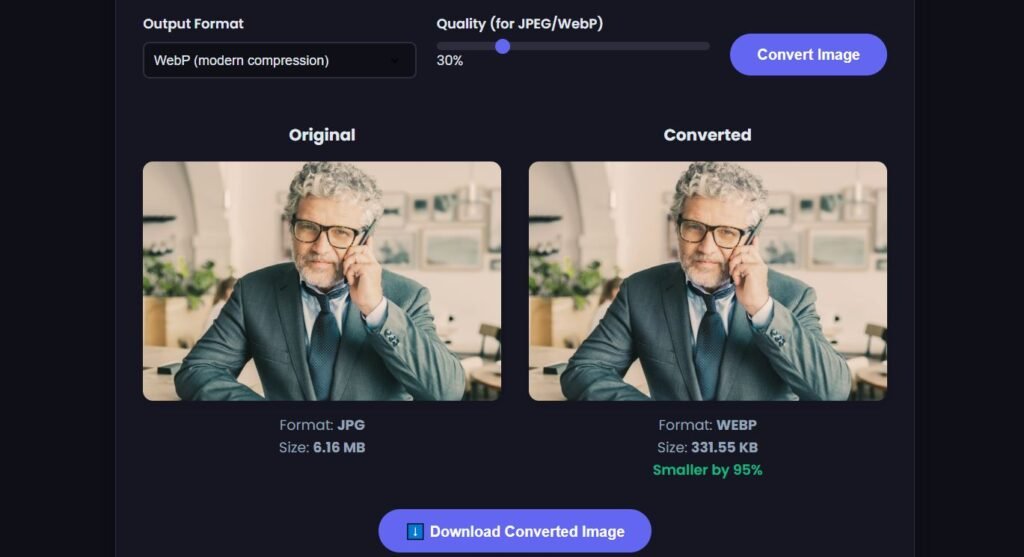
If you're working with images that have already been compressed and look slightly soft or pixelated, you may want to upscale your image online to improve clarity before converting to your chosen format.
Related Image Format Guides
WebP and AVIF are both modern image formats designed to deliver efficient compression while maintaining good visual quality. For a wider comparison of common image formats, see our JPG vs PNG vs WebP guide and our Image Formats Explained guide. If you're choosing a format specifically for a website, see the best image format for websites guide. For converting between formats, visit our Image Converter Guide.
Frequently Asked Questions
Is AVIF always smaller than WebP?
In most cases, yes. AVIF typically produces files 30-50% smaller than WebP at equivalent quality settings. However, the exact difference depends on the image content, encoder settings, and quality level chosen.
Does AVIF support transparency like WebP?
Yes. AVIF supports full alpha transparency in both lossy and lossless modes, just like WebP. Both formats can handle transparent images for logos, icons, and graphics.
Can all browsers display AVIF images?
All major browsers—Chrome, Firefox, Safari, and Edge—now support AVIF as of 2024. However, older browser versions and some embedded web views may not support AVIF. WebP has broader support among older browsers.
Is AVIF ready for production websites?
Yes, AVIF is production-ready for most websites. The main considerations are slower encoding times and the need for WebP or JPG fallbacks for older browsers. Many large websites and CDN services now serve AVIF images.
Does converting WebP to AVIF reduce quality?
Converting from WebP to AVIF always involves re-compression, which can introduce additional quality loss. If the original WebP was created from a high-quality source, converting to AVIF at appropriate settings should preserve acceptable quality while reducing file size. For best results, convert from the original uncompressed image.
Why is AVIF encoding so slow?
AVIF uses the AV1 codec, which employs more complex compression algorithms than WebP's VP8-based approach. These algorithms require more computational work to analyze and compress images efficiently. The result is better compression but slower encoding times.
Should I use WebP or AVIF for WordPress?
WebP remains the safer choice for WordPress sites in most cases. Native WordPress support for WebP is well-established, and most image optimization plugins handle WebP seamlessly. AVIF support in WordPress is improving but still less consistent across themes and plugins.
If you're working with low-resolution images that look blurry or pixelated after compression, you may want to upscale your image online to improve clarity before converting to WebP or AVIF.
Share this article 👇


0 Comments