
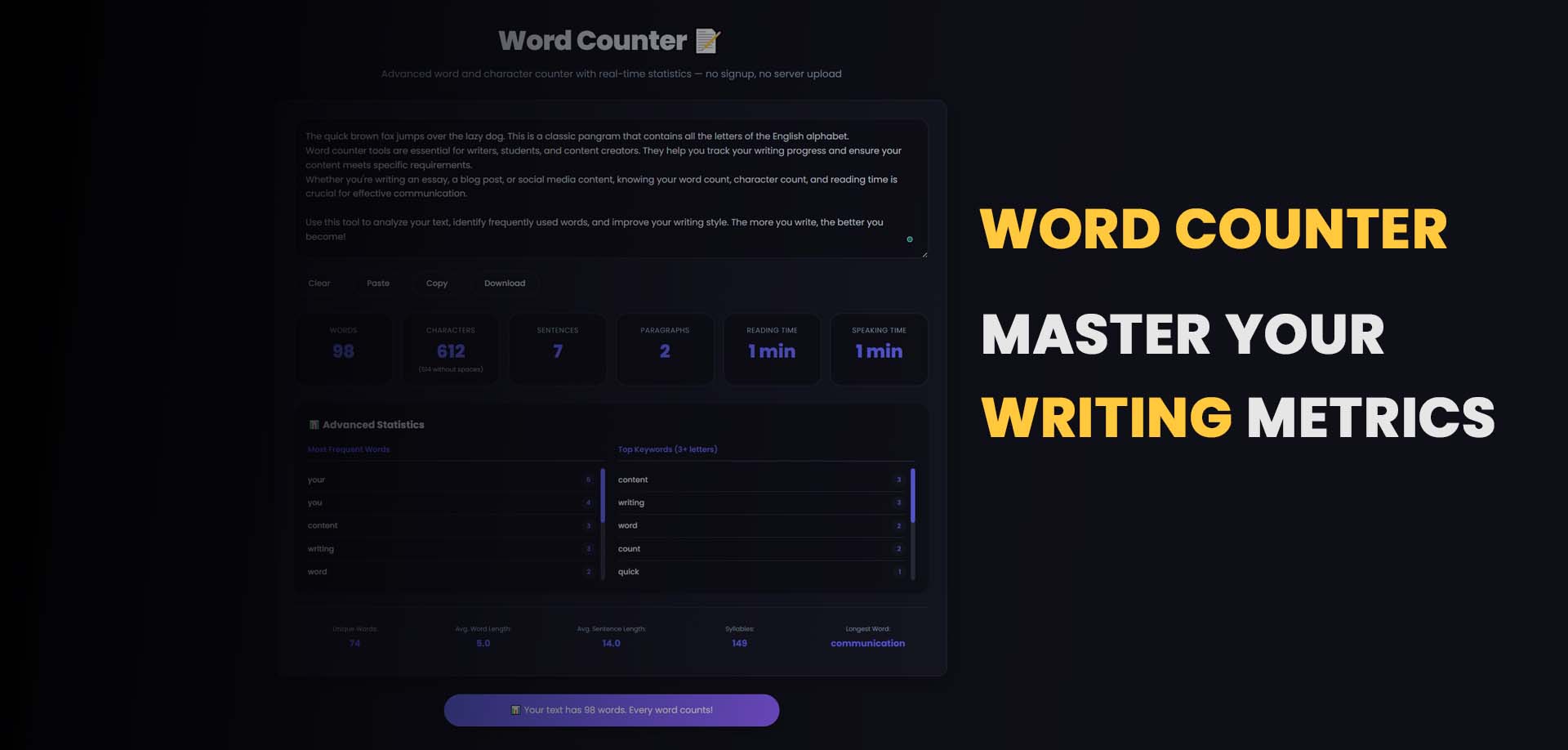
Whether you're a blogger, student, content marketer, or social media manager, knowing the exact word count of your content is essential. A word counter tool helps you stay within limits, improve readability, and optimize your content for better search engine rankings.
In this comprehensive guide, we'll explain what a word counter is, why word count matters for SEO, how to count words effectively, and how to use a free online tool for instant results.
Table of Contents
What is a Word Counter Tool?
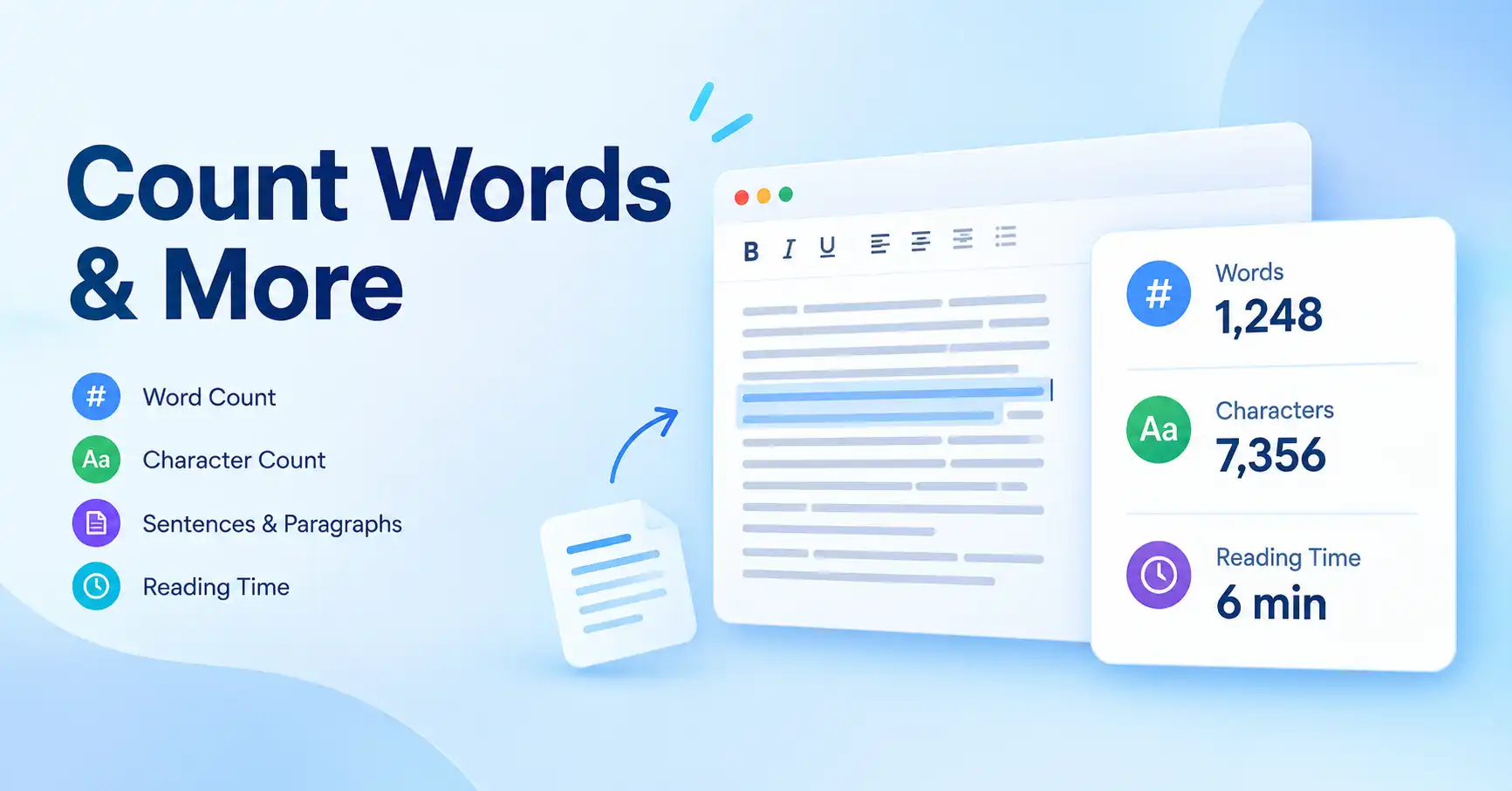
A word counter is an online tool that calculates the number of words, characters, sentences, and paragraphs in a piece of text. It helps writers, editors, and students stay within specific word limits and improve the overall quality of their content.
Modern word counters provide real-time results, making them much faster and more reliable than manual counting. Whether you're writing a blog post, essay, or social media caption, using a word counter tool ensures accuracy and saves valuable time.
Try our free tool here: Word Counter Tool
Why Word Count Matters for SEO
Word count plays a significant role in how your content performs on search engines like Google. While quality always trumps quantity, the length of your content can influence rankings in several ways:
- Longer content often ranks better – In-depth articles (1,000+ words) tend to provide more value and cover topics comprehensively.
- Helps match search intent – Users searching for detailed information expect thorough answers, which often require more words.
- Improves readability and structure – Properly structured content with clear headings and paragraphs keeps readers engaged.
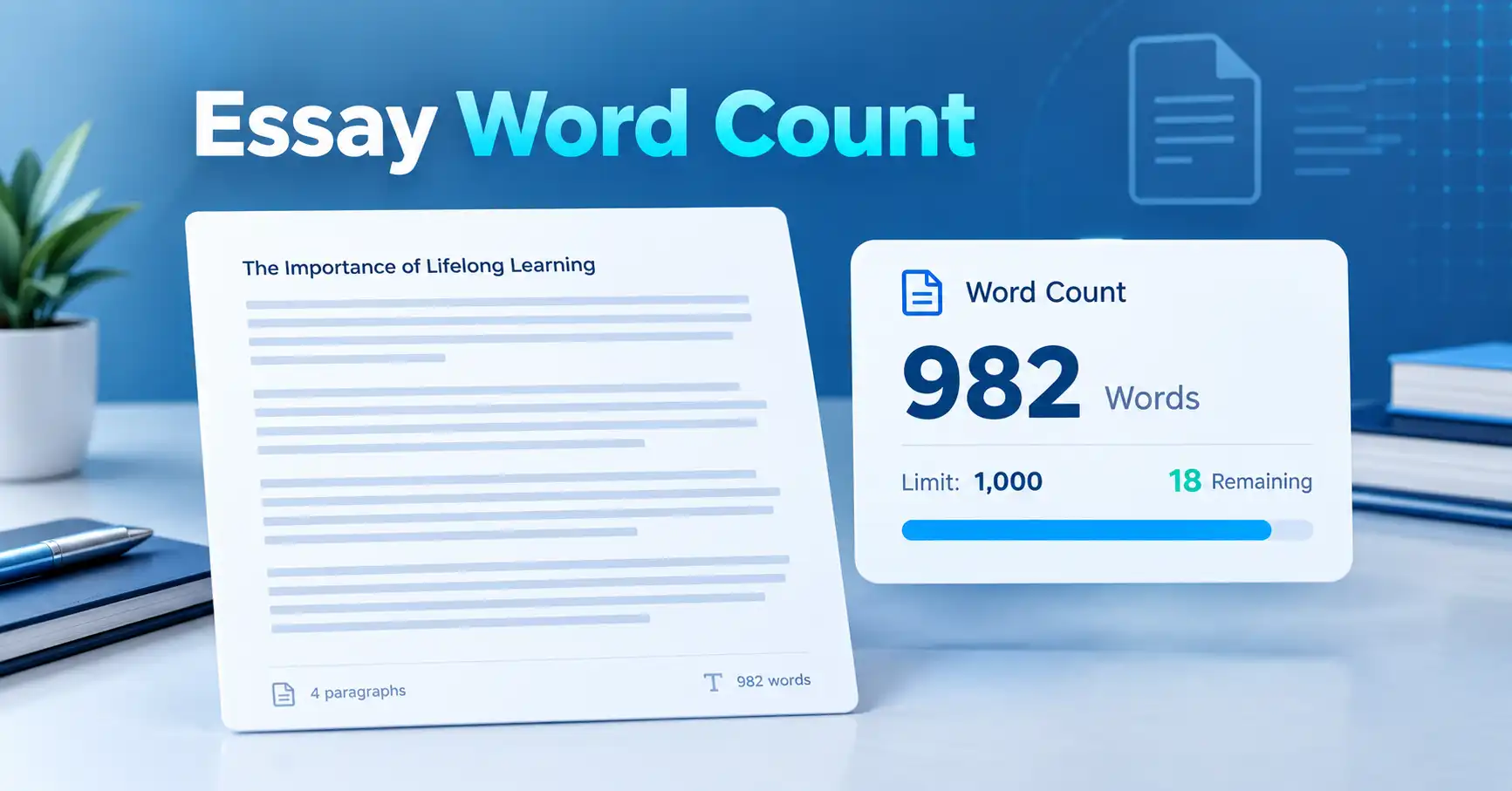
- Keeps content aligned with platform limits – Social media posts, meta descriptions, and ads have strict character and word limits.
Using a reliable word counter tool ensures your content is properly optimized for both search engines and your audience.
How to Count Words Easily
There are several ways to count words, but not all methods are efficient or accurate. Here's a breakdown of your options:
1. Manual Counting (Not Recommended)
You can count each word one by one, but this is time-consuming, tedious, and highly prone to errors. Manual counting is impractical for anything longer than a sentence.
2. Using Built-in Software
Tools like Microsoft Word and Google Docs have built-in word count features. While convenient, they often lack advanced metrics like character count with and without spaces, sentence count, or readability analysis.
3. Using an Online Word Counter Tool (Best Method)
The fastest, most accurate, and most convenient way is to use an online word counter. Simply paste your text or type directly into the tool, and you'll get instant results with multiple metrics.
Use this here: Free Word Counter Tool
What a Good Word Counter Should Include
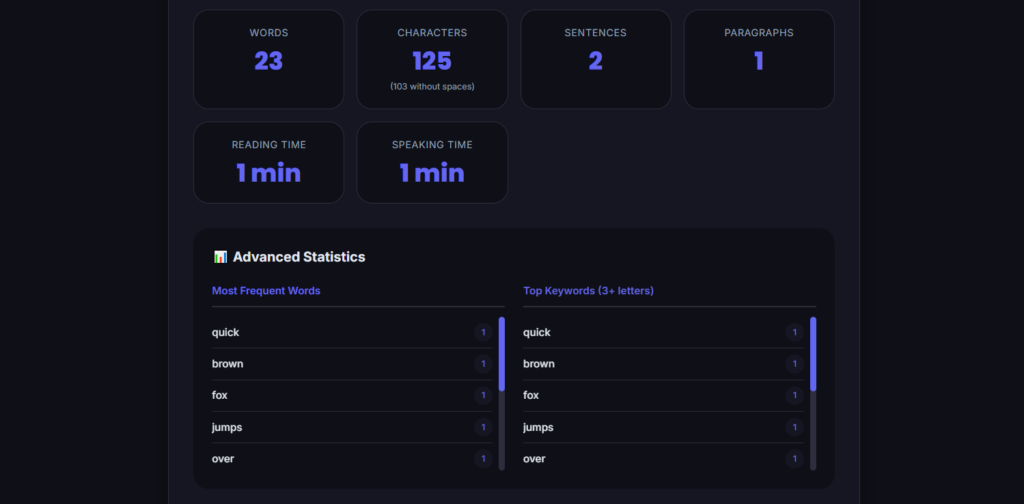
Not all word counters are created equal. A high-quality word counter tool should provide the following features:
- Word count – Total number of words in your text.
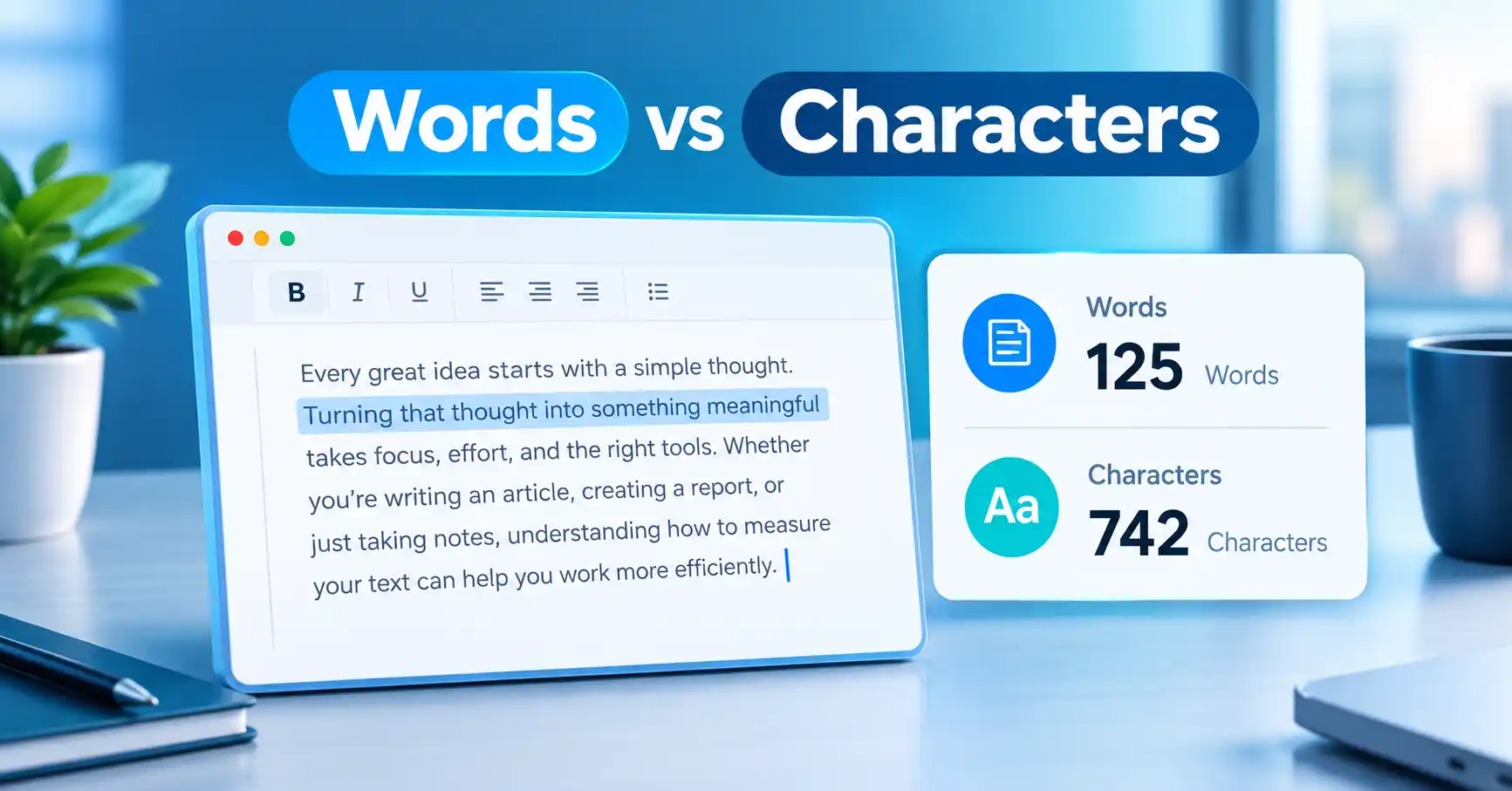
- Character count (with and without spaces) – Useful for social media posts and meta descriptions.
- Sentence count – Helps assess readability and flow.
- Paragraph count – Indicates content structure and breaks.
- Real-time updates – Instant results as you type or paste.
Our word counter tool includes all these features for better accuracy and usability.
Example of Word Count
Let's look at a simple example to understand how word count works:
Text: "SEO helps websites rank higher on search engines."
- Words: 8
- Characters (with spaces): 55
- Characters (without spaces): 45
- Sentences: 1
- Paragraphs: 1
This quick analysis shows how a word counter tool provides multiple useful metrics beyond just word count.
Benefits of Using an Online Word Counter Tool
Here's why you should make an online word counter part of your writing workflow:
- Saves time and effort – Get instant results without manual counting.
- Improves writing accuracy – Ensure you meet specific word and character limits.
- Helps optimize SEO content – Write content that matches search intent and ranks better.
- Ensures compliance with platform limits – Perfect for Twitter, Instagram, meta descriptions, and more.
- Enhances readability – Sentence and paragraph counts help you write clearer content.
Best Practices for Word Count in SEO
While there's no one-size-fits-all rule, here are general word count recommendations for different types of content:
- Blog posts: 1,000–2,000 words for comprehensive coverage.
- Landing pages: 500–1,000 words to balance persuasion and readability.
- Product descriptions: 150–300 words for clear, compelling details.
- Meta descriptions: 150–160 characters (not words) for optimal display.
- Social media captions: Varies by platform, but character limits are key.
Remember: quality matters more than quantity. A well-written 800-word article can outperform a poorly written 2,000-word piece. Always prioritize value for your readers.
Frequently Asked Questions (FAQs)
What is the best word counter tool?
The best word counter tool is one that provides real-time results, multiple metrics like characters and sentences, and a clean, user-friendly interface. Our free tool offers all of these features.
Is there a free word counter tool?
Yes, our free word counter tool is available online with no registration required. You can use it anytime, anywhere.
Does word count affect SEO?
Yes, content length can influence rankings, especially when it satisfies user intent. However, quality, relevance, and user engagement matter just as much.
How many words should a blog post have?
Typically, 1,000+ words perform well for SEO, but it depends on the topic, competition, and what your audience expects. Always aim to provide the most complete answer possible.
Can I count words in PDF or images?
Most online word counters require text input. To count words in PDFs or images, you'll need to extract the text first using OCR (Optical Character Recognition) tools.
Final Thoughts
A word counter is more than just a counting tool—it's an essential resource for writers, students, SEO professionals, and anyone who works with text. It helps you write with precision, optimize for search engines, and deliver content that resonates with your audience.
If you want fast, accurate, and real-time results, try our tool below:
Use the Free Word Counter Tool Now:
Share this article 👇
0 Comments